
Collabora Office 26.04: A New Era for Privacy-First, Cross-Platform Productivity
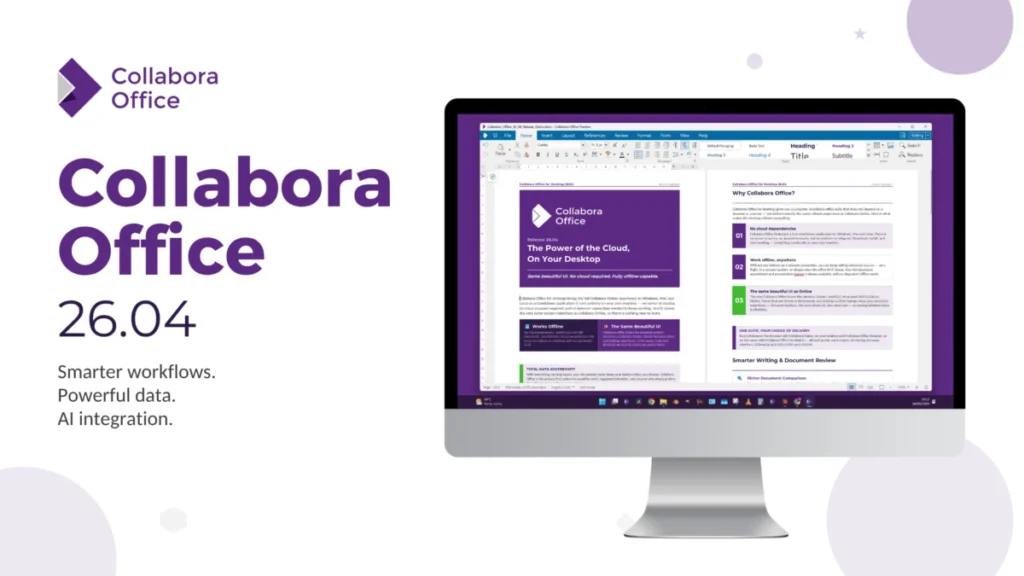
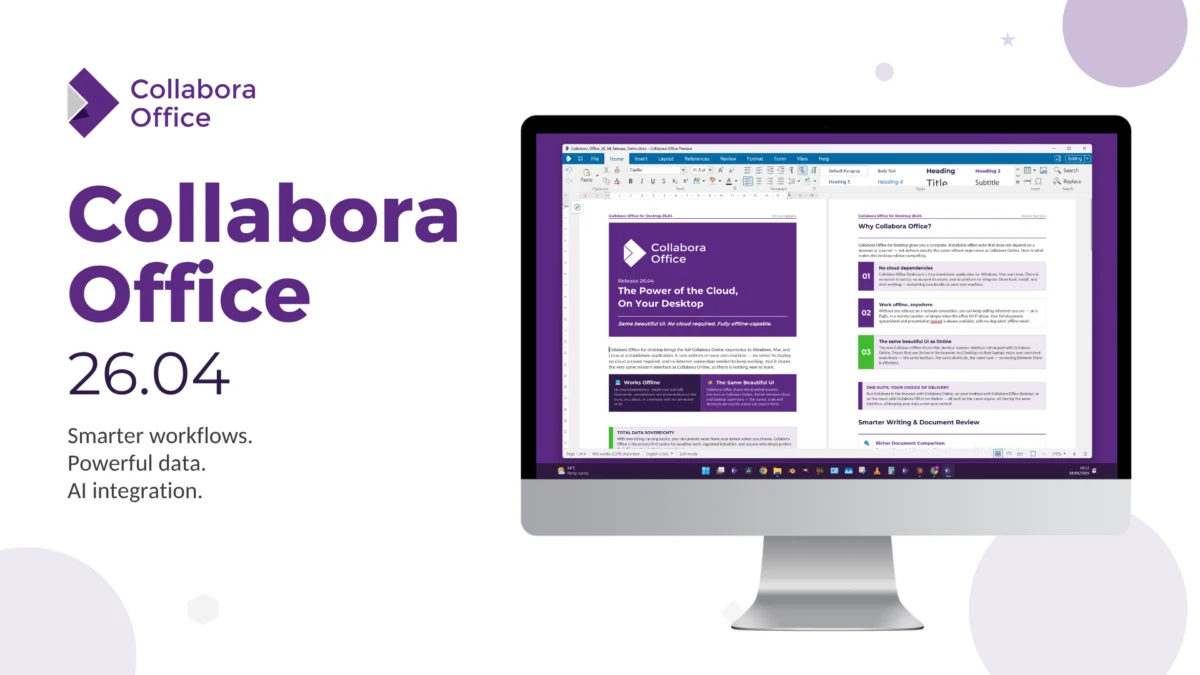
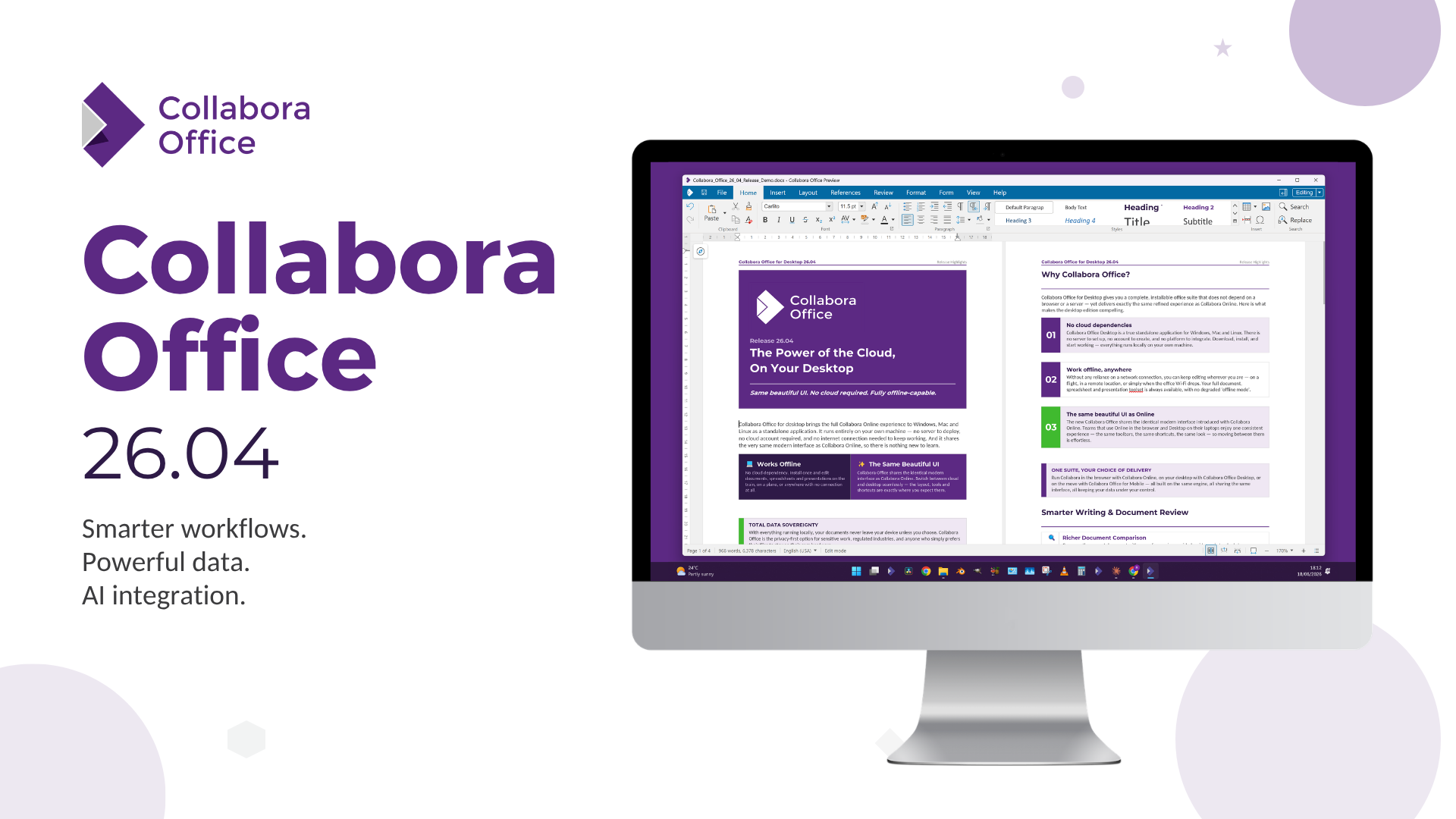
The landscape of open-source office suites is undergoing a quiet but profound transformation. While many users associate office productivity with the legacy of traditional desktop applications, Collabora Productivity is redefining the paradigm. With the release of Collabora Office 26.04, the company has solidified its position as a bridge between the cloud-native, collaborative web experience and the robust, high-performance world of offline desktop computing.
By leveraging the underlying architecture of the widely respected Collabora Online, the 26.04 release offers users a unified interface that remains consistent whether they are working in a web browser or on a local machine. This release is more than just a software update; it is a strategic maneuver designed to provide enterprises and power users with the tools of the future without forcing them to sacrifice their privacy or their workflow.
The Evolution of the Desktop Experience: Main Facts
Collabora Office 26.04 is built on a sophisticated stack of modern web technologies, including JavaScript, CSS, WebGL, and the HTML5 Canvas. While it maintains the bedrock of LibreOffice code, the presentation layer has been entirely overhauled to ensure that the interface feels modern, responsive, and ergonomic.
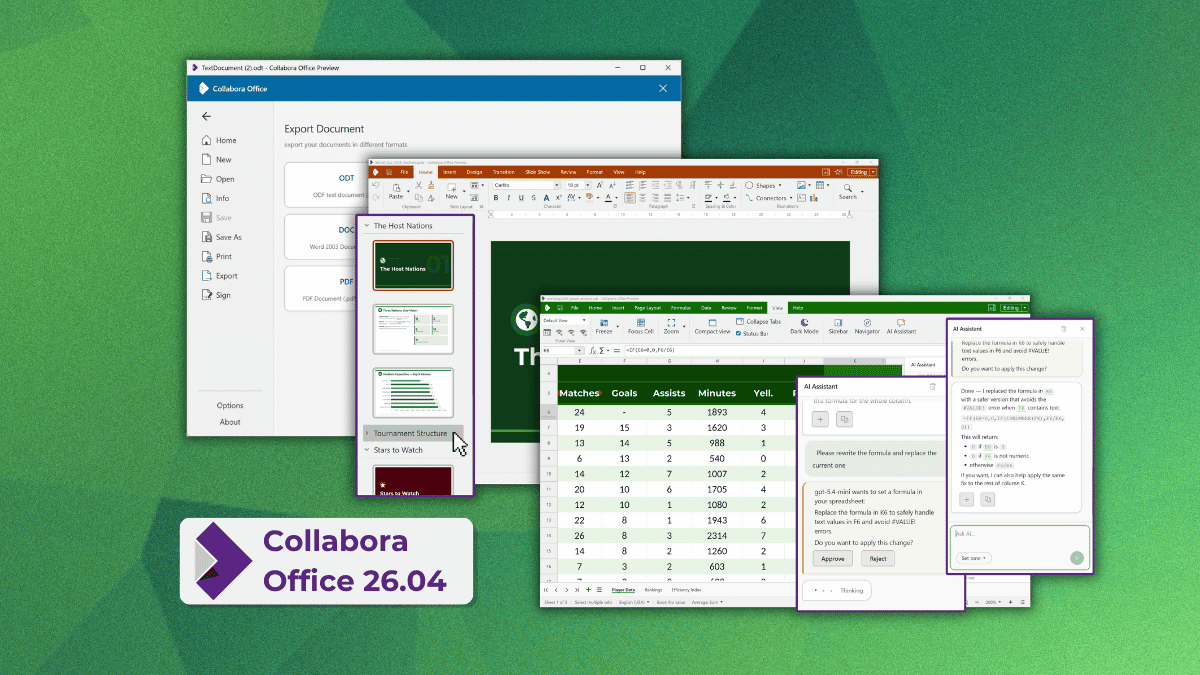
The primary goal of this release is parity. By sharing a codebase with the enterprise-grade Collabora Online, the desktop version inherits features almost instantly. This tight integration ensures that as Collabora pushes the envelope in cloud collaboration, those advancements are immediately accessible to desktop users.
Key highlights of the 26.04 release include:
- A Unified Interface: A redesigned start screen that organizes recent documents, provides a robust template gallery, and offers rapid access to specialized features like AI assistants and secure digital signatures.
- Opt-in AI Integration: Unlike many competitors that force AI features upon users, Collabora has adopted a strict "off-by-default" stance.
- Deep Functional Upgrades: Massive improvements to the Writer, Calc, and Impress modules, ranging from advanced document comparison tools to sophisticated spreadsheet functions.
- Platform Versatility: The suite is now available across Linux (via Flatpak and Snap), Windows (Microsoft Store), and macOS (App Store).
Chronology: From Web-First to Desktop Integration
Collabora Productivity’s journey into the desktop market began in earnest last year. The company recognized a recurring pain point: users were struggling to maintain a consistent workflow when switching between web-based collaborative editing and offline, high-performance desktop work.

The development timeline moved rapidly following the initial launch:
- Phase One (2025): The introduction of the desktop-focused Collabora Office, aimed at decoupling the rendering mechanism from the constraints of the traditional VCL (Visual Component Library) interface used by legacy LibreOffice builds.
- Phase Two (Early 2026): The development of the CODE (Collabora Online Development Edition) 26.04 branch, which focused on modularizing features and enhancing performance for complex document rendering.
- Phase Three (July 2026): The official release of Collabora Office 26.04, which synchronized the desktop experience with the bleeding-edge developments found in the 26.04 codebase, effectively merging the two worlds of offline and online productivity.
Supporting Data: Feature Breakdown and Technical Advancements
The 26.04 release is not merely a surface-level polish; it introduces significant technical debt reduction and new capabilities that cater to power users and collaborative teams.
Writer: Precision Editing
The word processor has seen a substantial upgrade in document tracking. The new comparison tool allows users to visualize insertions, deletions, and moved content through a sophisticated color-coded system. By flagging the identity of the editor and the timestamp of the change, Collabora has made collaborative document review far more transparent. The introduction of multi-page view and Navigator search makes the software more capable for long-form academic and legal writing.
Calc: Spreadsheet Intelligence
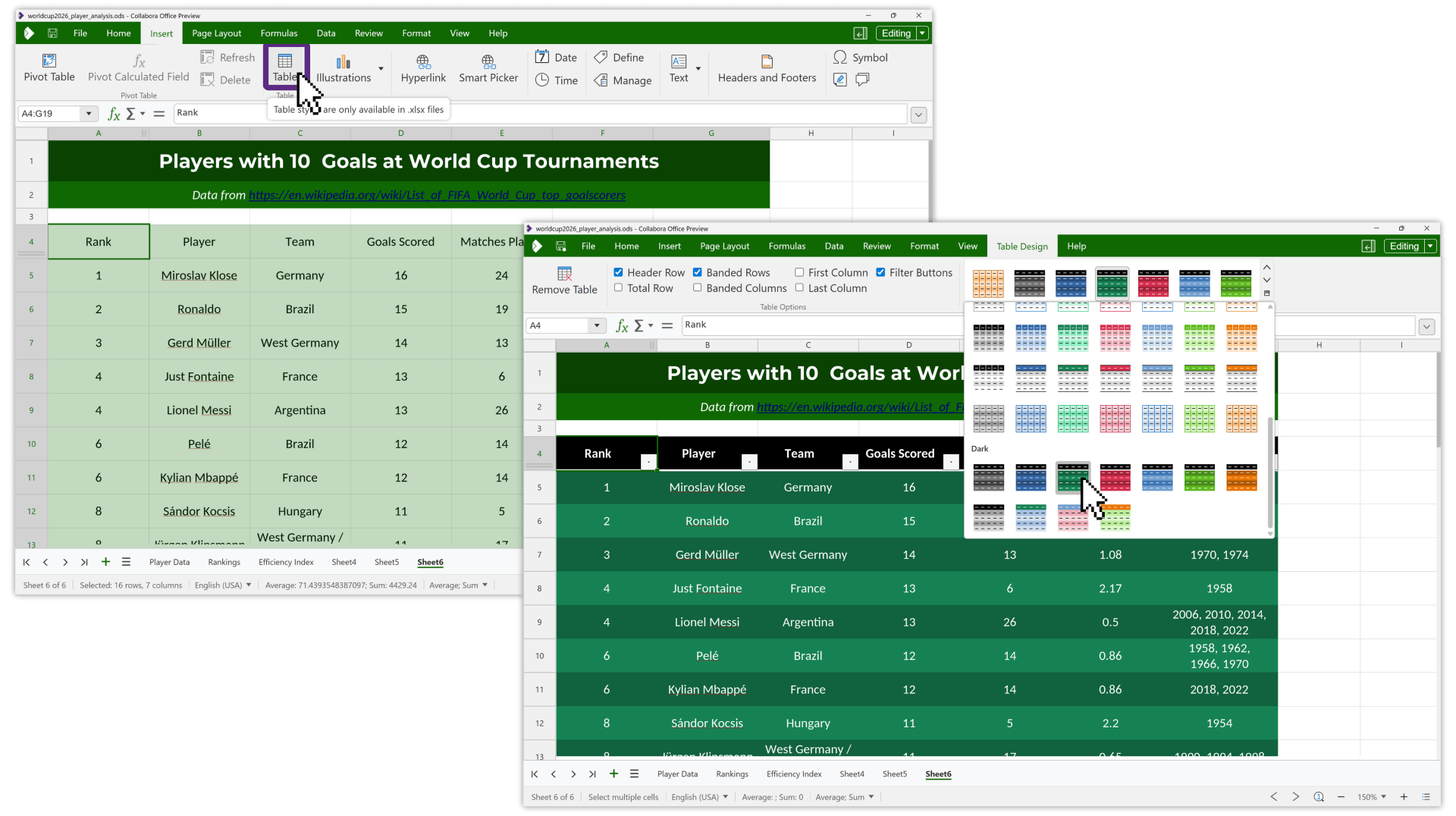
Spreadsheet power users will find the updates to Calc particularly compelling. The introduction of per-user sheet views is a game-changer for shared workbooks, allowing individual users to apply filters and layout changes without disrupting the view for colleagues. The new table design tab and calculated pivot fields simplify complex data management. Furthermore, the inclusion of modern spreadsheet functions—namely TEXTSPLIT, HSTACK, and WRAPROWS—brings Collabora Office into alignment with contemporary data analysis expectations.
Impress: The Future of Presentation
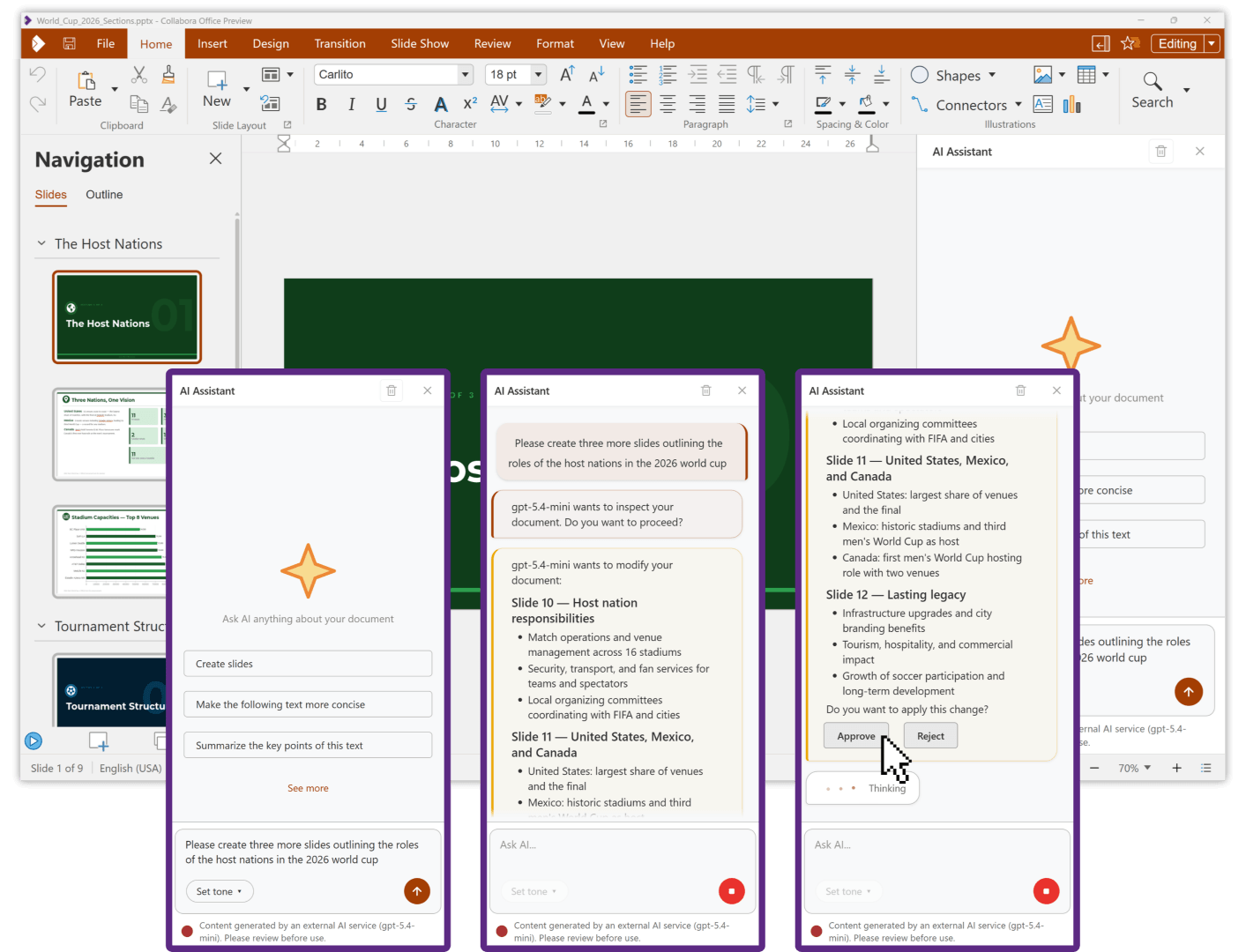
Presentation design has been enhanced with "follow-me" presenting, which allows audience members to explore slides independently during a live presentation without losing the speaker’s place. The ability to mix slide sizes within a single deck and the improved multi-monitor support ensure that presentations remain professional regardless of the hardware configuration.
The AI Debate: A Privacy-Centric Approach
The most controversial addition to the modern office suite is artificial intelligence. Collabora has approached this with a refreshing degree of transparency. Recognizing the widespread fatigue regarding "AI-everything," the company has implemented a "bring-your-own-model" architecture.
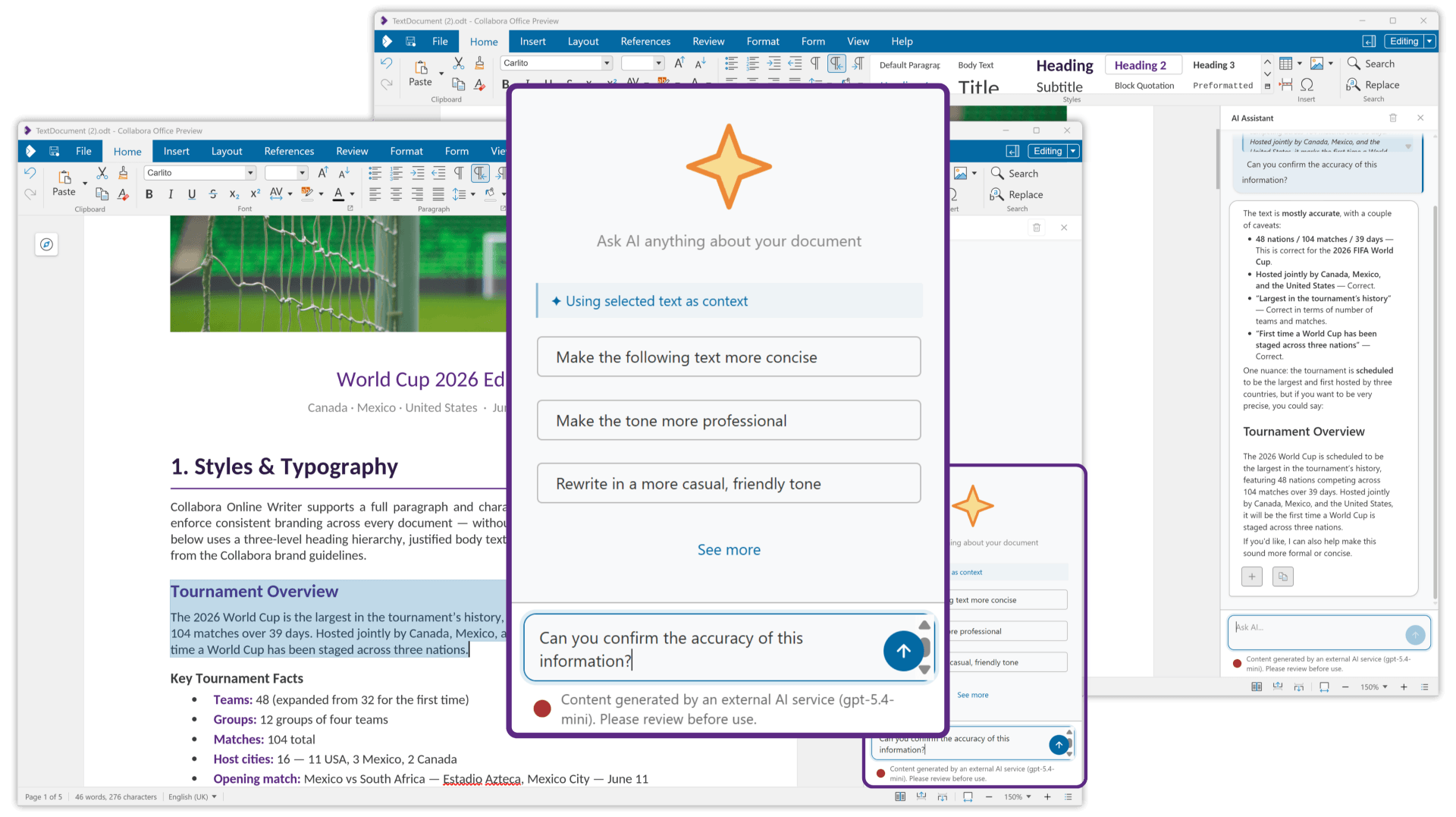
When users enable AI, they must provide their own credentials or host their own model. Collabora does not act as an intermediary, and the AI assistant has zero access to user documents unless explicitly granted by the user. This approach addresses the core concerns of corporate IT departments: data sovereignty and security. Whether it is generating text, summarizing documents, or troubleshooting spreadsheet formulas, the AI functions as a tool for the user, not as a data-mining mechanism for the vendor.
Official Responses and Strategic Direction
In a brief discussion regarding the future of the platform, Michael Meeks, CEO of Collabora Productivity, emphasized that this release serves as a precursor to a more expansive enterprise rollout. When asked about the specific needs of Linux-based enterprise environments, Meeks highlighted that the company is actively refining the administrative and support infrastructure to accompany the software.
"Enterprises can start evaluating this today," Meeks stated. "Support will arrive in a few weeks. They can look forward to smoother workflows, less training with a more attractive and ergonomic UX shared with Collabora Online, and built-in AI support."
This indicates a clear shift in strategy: Collabora is no longer just offering an open-source alternative to Microsoft Office; they are building a cohesive ecosystem that addresses the needs of modern, distributed organizations that value security and performance in equal measure.
Implications: What This Means for the Industry
The release of Collabora Office 26.04 has several implications for the broader software market:
- The Death of the VCL Bottleneck: By moving away from traditional interface architectures, Collabora has demonstrated that open-source office suites can look and feel as modern as proprietary web-based apps. This puts pressure on other projects to modernize their rendering stacks.
- The Privacy Standard: Collabora has set a benchmark for AI integration. By keeping the software privacy-focused and vendor-neutral, they have created a "safe space" for enterprises that are currently terrified of the security implications of cloud-based AI.
- Cross-Platform Parity: The availability of this suite across all major operating systems, including the Linux desktop, through standard packaging formats like Flatpak and Snap, ensures that Linux remains a first-class citizen in the professional workplace.
As organizations continue to grapple with the trade-offs between cloud convenience and local control, Collabora Office 26.04 provides a compelling argument that you do not have to choose. By unifying the web and desktop experiences, Collabora is building a future where productivity software is defined by the quality of the tools, not the location of the server.
For users who are tired of the "clanker" AI trends and looking for a reliable, fast, and privacy-focused document suite, this release is a must-try. As the enterprise support phase nears, it is highly likely that we will see Collabora Office becoming a standard fixture in professional Linux environments, signaling a new, more mature chapter for open-source productivity.







