Power Struggle: Navigating the Choice Between MagSafe and USB-C for Your MacBook
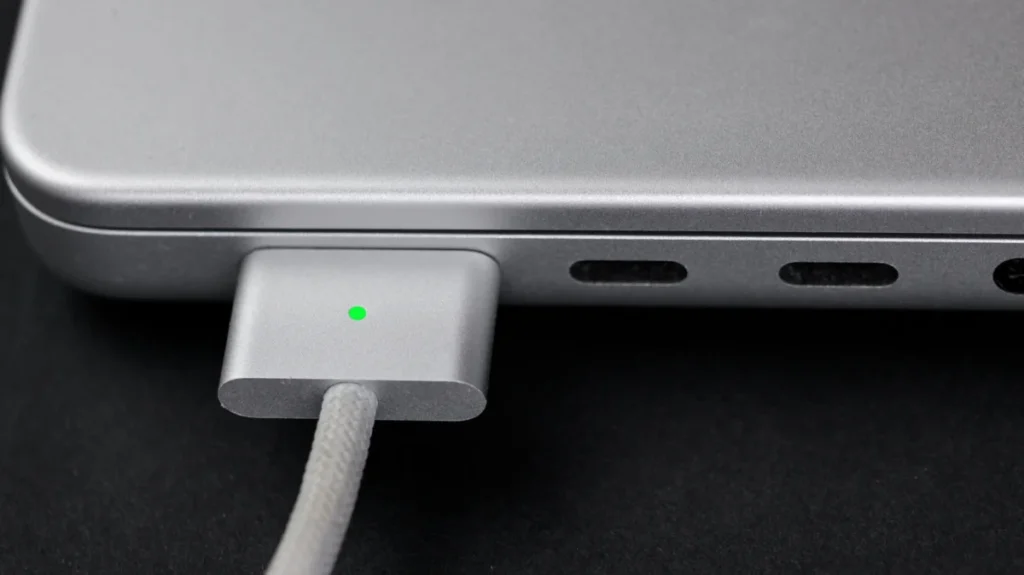
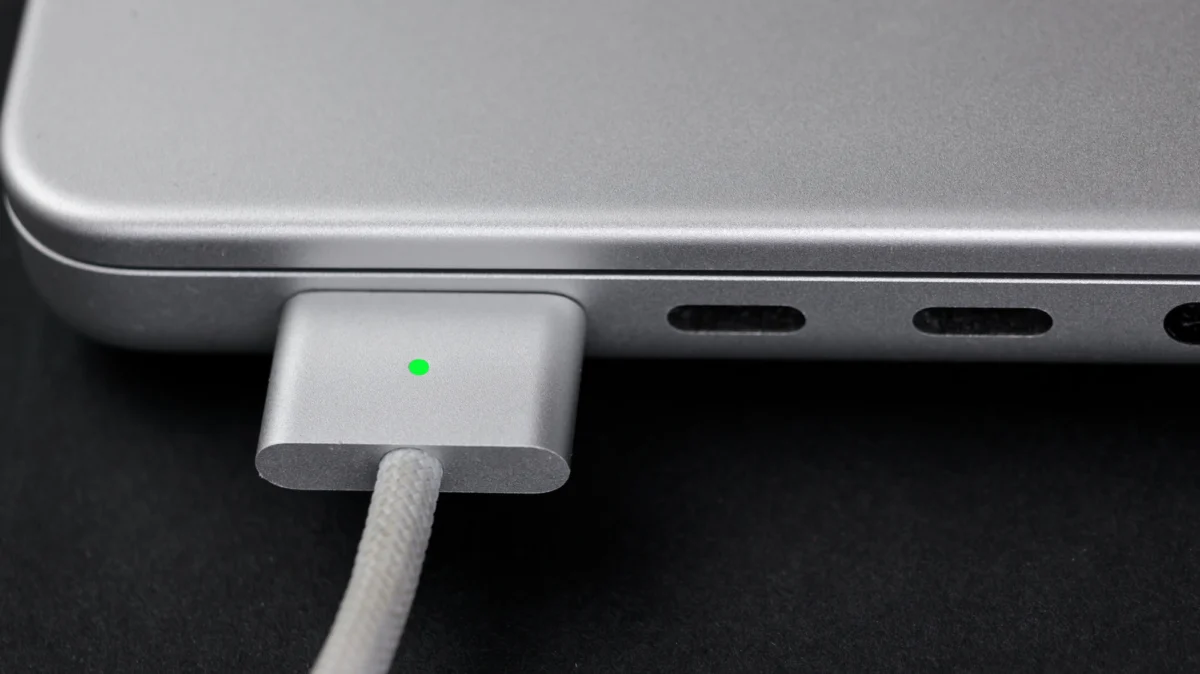
For years, the MacBook charging experience was defined by the satisfying "click" of a magnet. Then, it vanished, replaced by the utilitarian, universal appeal of USB-C. Today, Apple offers both on its latest machines, creating a unique dilemma for power users: which method truly reigns supreme? While MagSafe offers unparalleled physical safety and ease of use, USB-C provides a level of versatility that is difficult to ignore in an increasingly interconnected tech ecosystem.
The Core Conflict: Safety vs. Universal Versatility
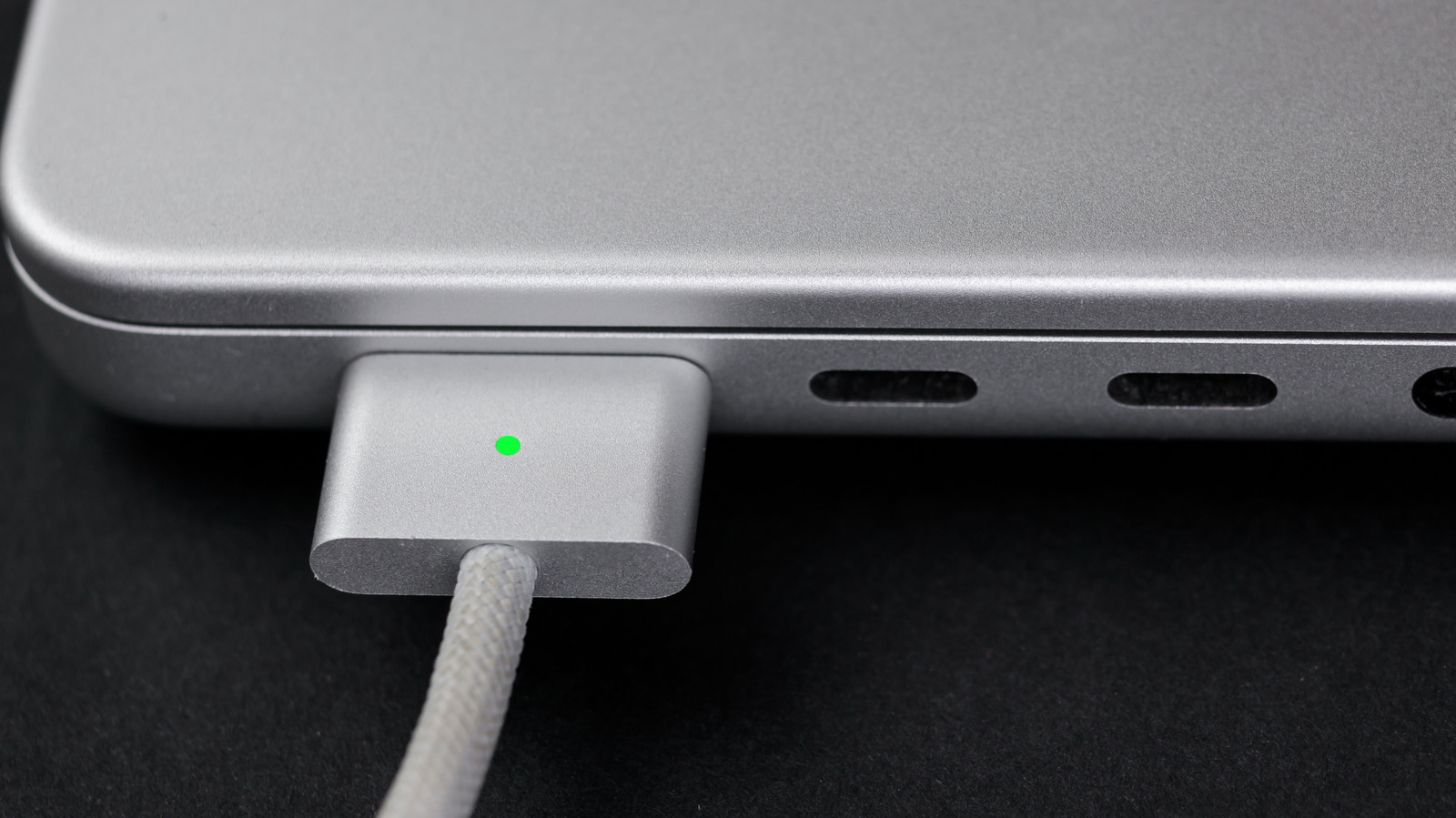
At the heart of the debate is the fundamental difference in how these two technologies interact with your hardware. MagSafe, now in its third iteration (MagSafe 3), is a proprietary charging solution designed exclusively for Apple laptops. Its primary value proposition is mechanical safety. By utilizing a magnetic coupling rather than a physical latch, MagSafe acts as a "breakaway" mechanism. If a passerby trips over your power cord, the cable detaches instantly, preventing the catastrophic scenario of a $2,000 laptop being yanked off a desk and onto a hard floor.
Conversely, USB-C is the global standard for modern connectivity. It is a physical, locked connection. While this ensures a robust, steady stream of power that is less prone to accidental disconnection, it lacks the safety net of its magnetic counterpart. If the cable is snagged, the MacBook travels with it. However, the trade-off is the "one-cable-to-rule-them-all" convenience that USB-C provides—a single brick and cable can power your MacBook, your iPad, and even your smartphone.
A Chronological Evolution of Apple’s Charging Standards
To understand why we have two competing standards today, one must look at the trajectory of Apple’s design philosophy over the last two decades.
- The Original Era (2006–2012): Apple introduced the original MagSafe with the MacBook Pro in 2006. It was hailed as a revolutionary design choice that prevented countless accidents.
- The Transition Period (2015–2020): In a move that polarized the user base, Apple removed the dedicated charging port from the MacBook line, pivoting entirely to USB-C (Thunderbolt 3). This era prioritized thinness and universal port utility, forcing users to rely on dongles and standard charging bricks.
- The Return to Form (2021–Present): With the introduction of the redesigned 14-inch and 16-inch MacBook Pro models in 2021, Apple made the strategic decision to reintroduce MagSafe 3. This signaled an admission that while USB-C is excellent for data, the dedicated magnetic power port remains the superior experience for the average laptop user.
Supporting Data: Wattage, Speeds, and Technical Realities
The technical specifications of these two charging methods are often misunderstood. A common misconception is that USB-C is inherently "slower." In reality, the speed of your charge is determined by the output of the power adapter and the capability of the cable, not necessarily the port itself.
The MagSafe 3 Advantage
MagSafe 3 was engineered to handle high-wattage throughput reliably. When paired with Apple’s 140W USB-C Power Adapter, it enables fast-charging capabilities that can deliver a 50% charge in just 30 minutes. This is a massive advantage for professionals on the go who need to top off their battery between meetings.
The USB-C Complexity
USB-C charging is governed by the USB Power Delivery (USB-PD) specification. While standard cables might cap out at 60W, newer "Extended Power Range" (EPR) cables can support up to 240W. The caveat here is the burden of knowledge placed on the user: you must verify that both your cable and your power brick support the wattage your laptop requires. If you use a cheap, low-rated cable, your MacBook will charge, but it will do so at a significantly reduced rate, potentially leading to a "not charging" status or a drained battery while in use.
Official Stance and Market Implications
Apple’s official stance has been one of providing choice rather than forcing a singular path. By including both ports on modern MacBook Pro models, Apple acknowledges that different environments require different tools.
From an industry perspective, the inclusion of both technologies has implications for the "right to repair" and sustainability movements. By moving toward the USB-C standard for power, Apple has aligned itself with European Union regulations that seek to reduce electronic waste by mandating universal charging standards. However, by keeping the proprietary MagSafe port, Apple maintains the quality of the user experience and ensures that their specific charging safety standards remain a distinct selling point of the MacBook ecosystem.
Implications for the Modern User
So, which should you use? The answer depends entirely on your workspace and your lifestyle.
Why You Should Choose MagSafe
- High-Traffic Areas: If you work in a living room, a café, or a shared office, the safety benefits of MagSafe are impossible to overstate. It is an insurance policy against gravity.
- Fast Charging Needs: When you are in a rush, utilizing the proprietary MagSafe port with the 140W adapter is the most efficient, "no-nonsense" way to get back to full power quickly.
- Port Availability: Using MagSafe keeps your Thunderbolt/USB-C ports free for external monitors, hard drives, and docking stations, effectively adding an extra port to your workflow.
Why You Should Choose USB-C
- The Minimalist Traveler: If you are traveling, carrying one high-wattage GaN (Gallium Nitride) charger that can power your phone, tablet, and laptop is the ultimate convenience. A single 100W+ charger with a long USB-C cable eliminates the need to carry multiple proprietary bricks.
- Ultra-Fast Requirements: For the latest MacBook Pro models (late 2023 and beyond), USB-C supports up to 240W charging. If you are a power user who pushes the machine to its limits with rendering or heavy compilation, this level of power delivery is a tangible benefit.
- Flexibility: USB-C allows you to charge from a variety of sources, including external monitors that act as power hubs, portable battery banks, and even the USB-C ports found in modern vehicles or public transit.
Conclusion: The Best of Both Worlds
The debate between MagSafe and USB-C is not a zero-sum game. The true beauty of the current MacBook design is that it offers the flexibility of a universal standard alongside the refined, specialized utility of a proprietary safety feature.
For the majority of users, MagSafe is the superior everyday choice. It protects the hardware, clears up valuable ports, and utilizes proprietary high-speed protocols that feel native to the Mac experience. However, USB-C remains an essential tool in the arsenal. It provides the bridge between your Mac and the rest of your digital life, offering a seamless charging experience when you are mobile or working in a desk-bound environment with a multi-device docking station.
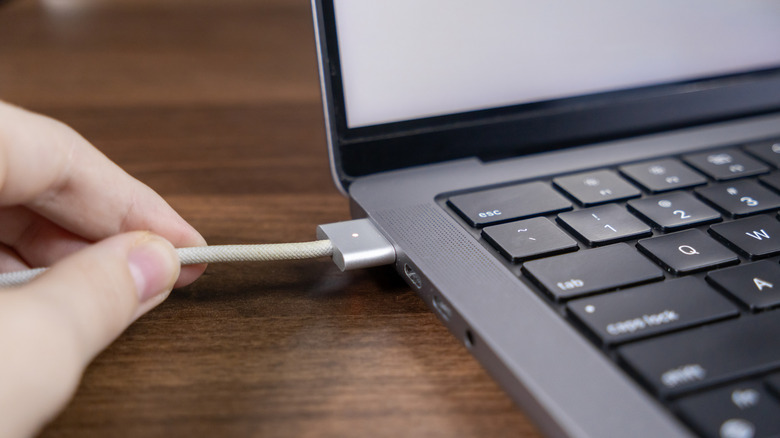
The smartest strategy? Keep a MagSafe cable at your permanent desk station for the benefits of magnetic safety and high-speed charging. Keep a high-wattage USB-C cable and a compact, multi-port GaN charger in your travel bag. By leveraging both, you ensure that your MacBook is always powered, protected, and ready for whatever your workflow demands.