The Dawn of Nova: Inside Firefox 157’s Major Design Overhaul
The landscape of modern web browsing is undergoing a subtle, yet profound, transformation. As we move further into 2026, the era of cluttered, feature-dense browser interfaces is rapidly yielding to a philosophy of "minimalist efficiency." Leading this charge is Mozilla, which has just unveiled its most significant interface overhaul in years: the "Nova" design language, officially debuting in Firefox 157.
This transition marks a pivotal moment for the open-source browser. By prioritizing a cleaner, more fluid user experience, Mozilla is attempting to bridge the gap between legacy power-user functionality and the sleek, aesthetic-forward demands of the contemporary web.
The Evolution of Nova: A Chronology of Change
The journey to Firefox 157 was neither linear nor secret. The project first entered the public consciousness through a high-profile leak in early 2026. When internal design documentation surfaced in March, the community was shocked by the radical nature of the proposed changes. The initial mockups suggested a complete decoupling of the browser’s primary interface elements from the window frame—a "floating island" approach that sought to lift the address bar, tab bar, and toolbar into a distinct, detached container.
From Radical Concept to Refined Reality
For six months following the leak, the Mozilla design team faced the daunting task of translating these avant-garde concepts into a stable, performant, and usable reality. The initial "floating" design proved to be technically challenging and, in some user testing scenarios, arguably distracting.

By the time Firefox 157 reached its final build, the team had pivoted toward a more grounded, refined iteration. While the "floating island" concept was largely set aside in favor of a more integrated layout, the core philosophy of Nova—rounded edges, increased negative space, and improved visual hierarchy—remains the backbone of the update. The transition illustrates a maturation process: where early mockups prioritized visual shock, the final product prioritizes the "flow" of the browsing experience.
Anatomy of the Redesign: Key Visual and Functional Shifts
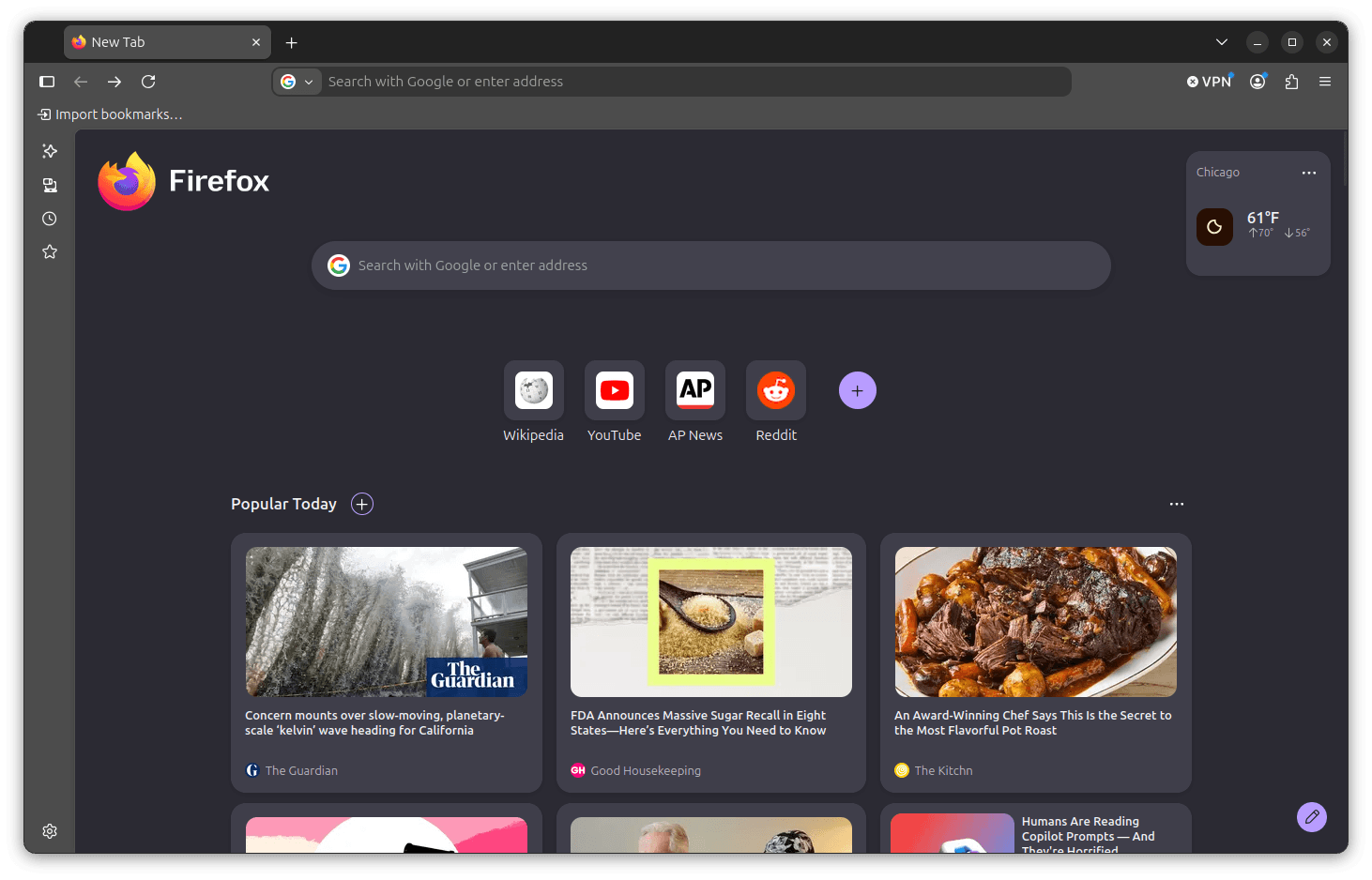
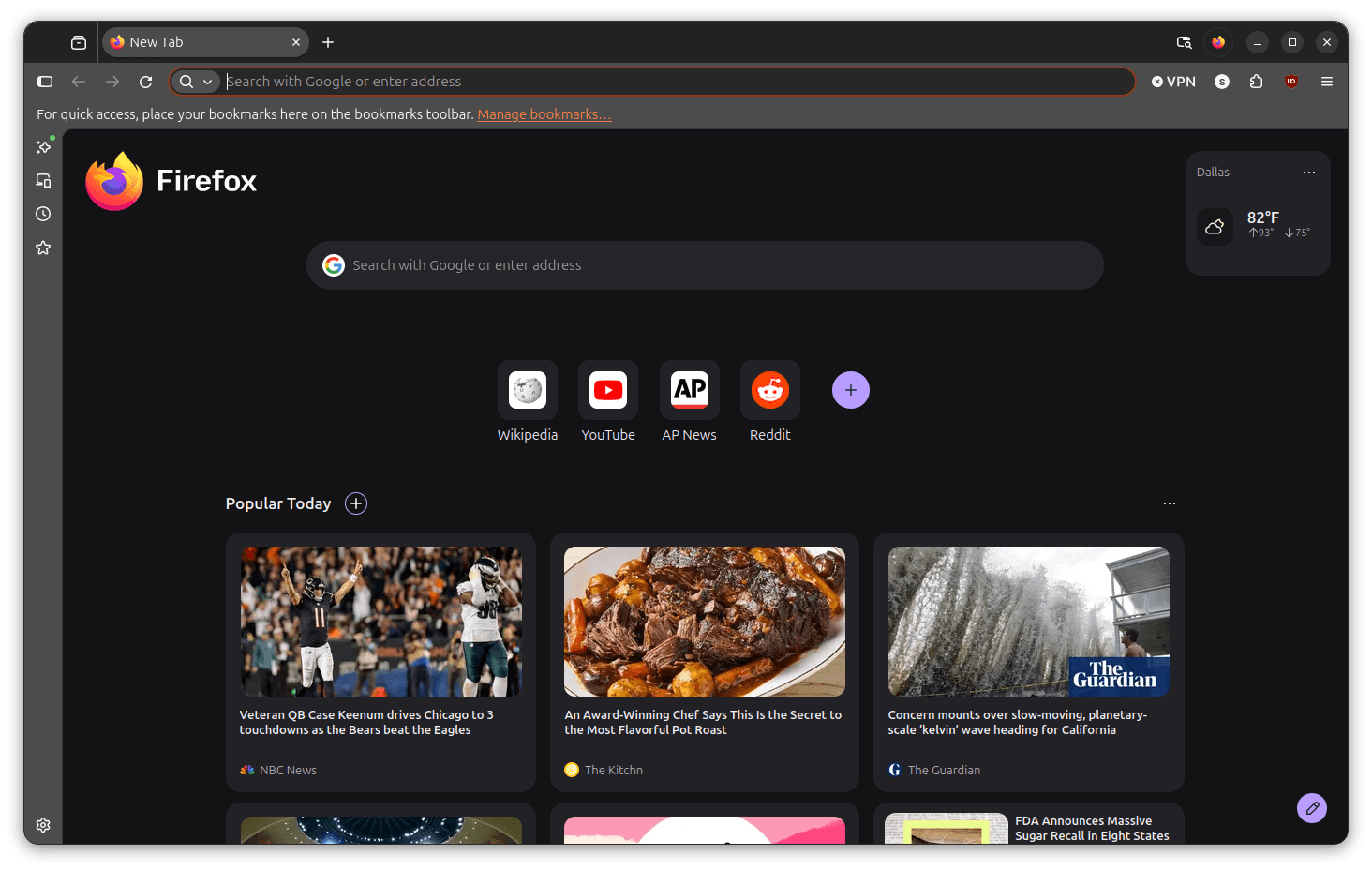
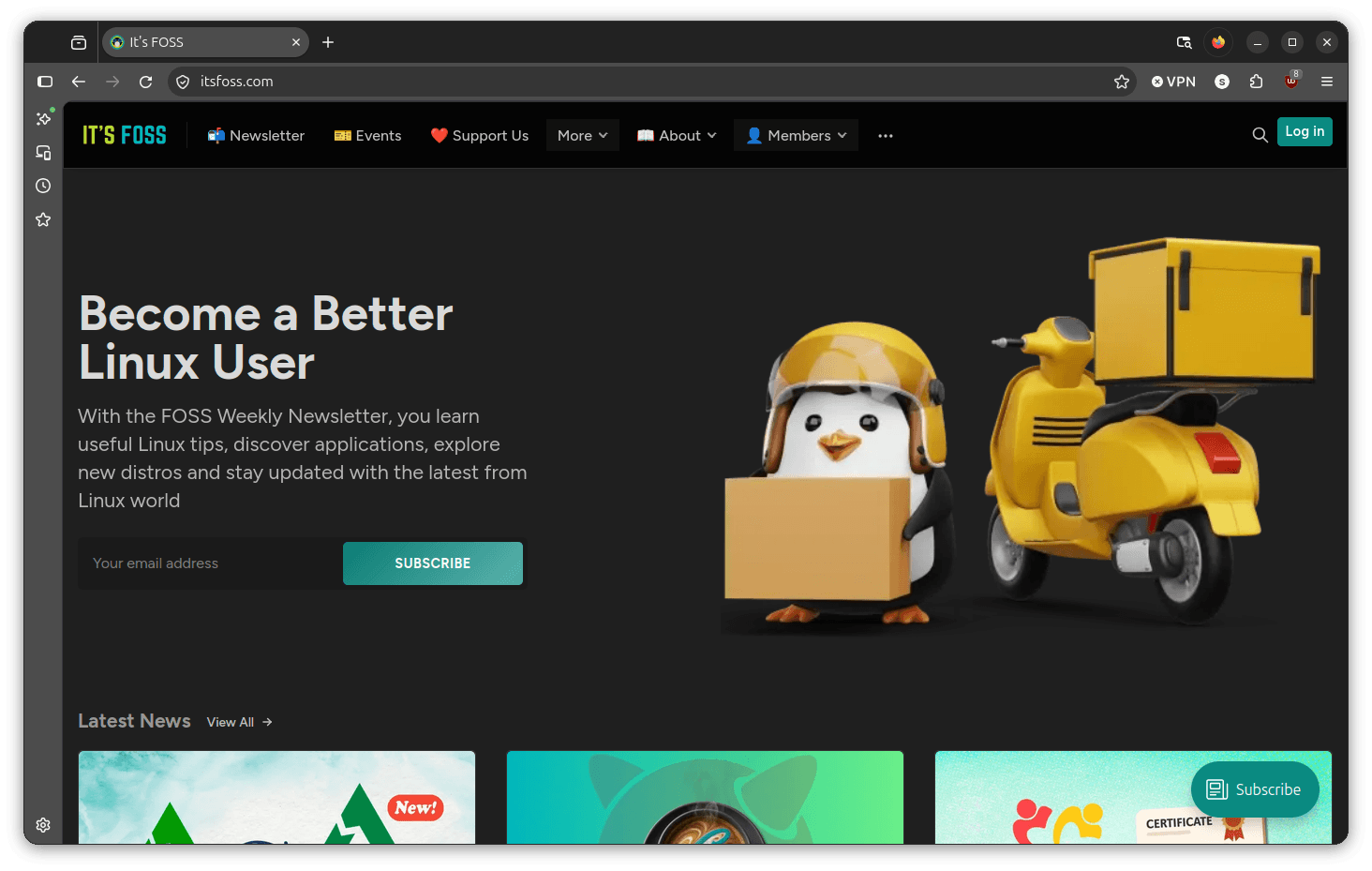
The visual departure from Firefox 156 is immediately apparent upon launch. The interface has moved away from the flat, sometimes stark aesthetic that defined the previous iteration, embracing a warmer, more pill-shaped design language that aligns Firefox with the modern standards set by competitors like Vivaldi and Chrome.
1. Enhanced Interface Polish
The most immediate change is in the tab bar and address bar. The corners are noticeably softer, and the active tab now features a subtle, sophisticated gradient that provides a sense of depth previously absent from the Firefox UI. This change is not merely cosmetic; it creates a clearer distinction between the "active" workspace and the surrounding browser frame.
2. Streamlined Toolbar Architecture
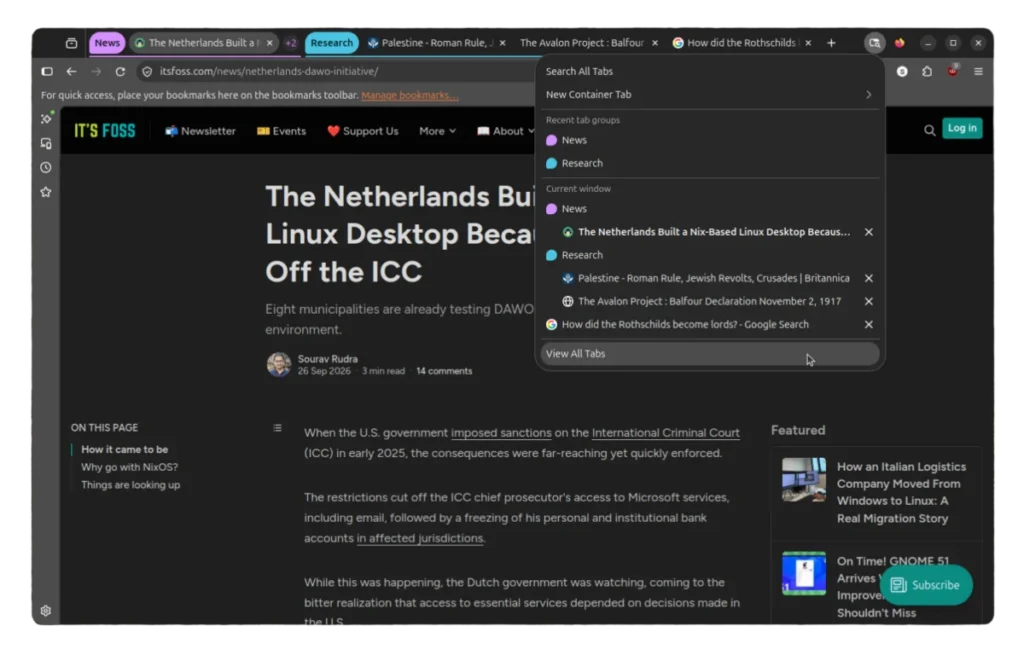
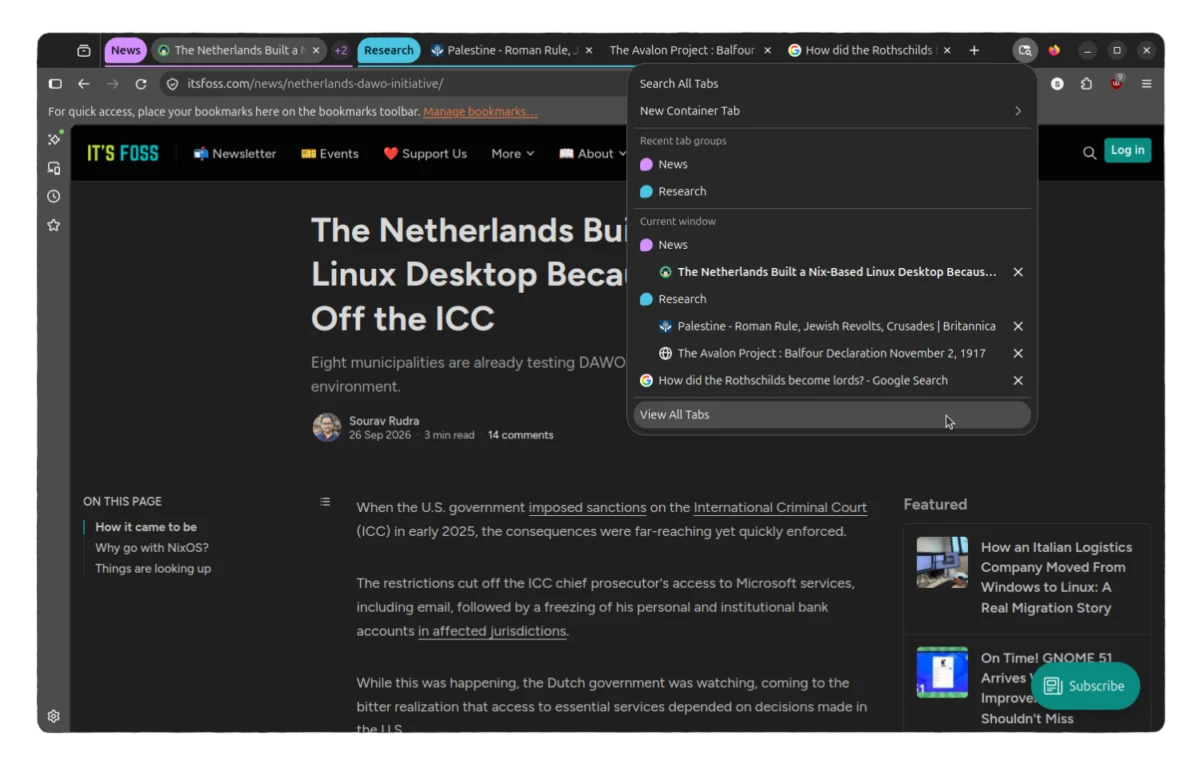
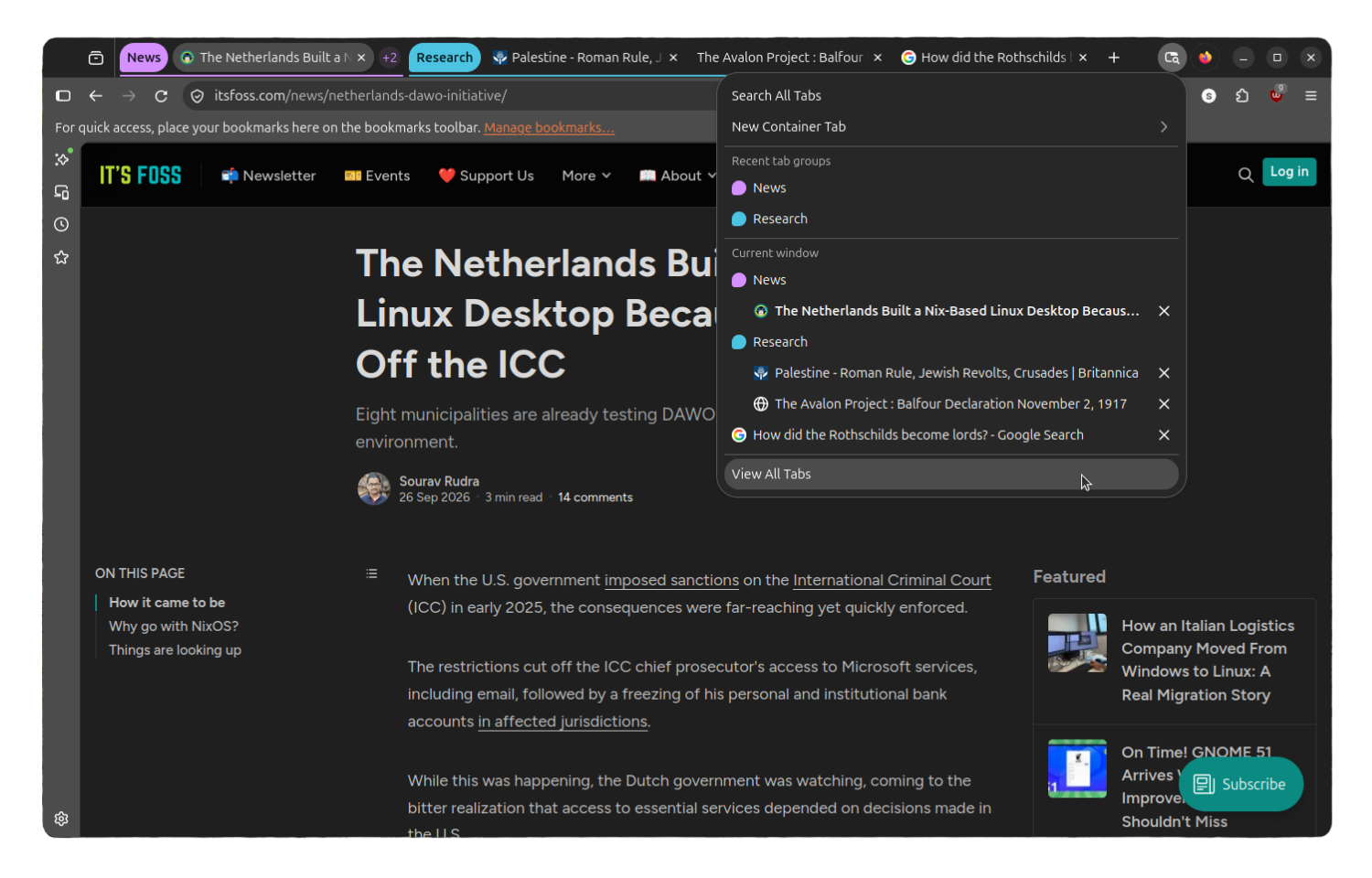
In an effort to maximize screen real estate, Mozilla has significantly reduced the footprint of the toolbar. By eliminating unnecessary dividing lines and consolidating menu elements, the browser feels lighter. The "List all tabs" functionality has also been overhauled; the archaic downward-arrow icon has been replaced by a modern, minimalist indicator that integrates seamlessly with the new pill-shaped design motif.
3. The Return of Compact Density
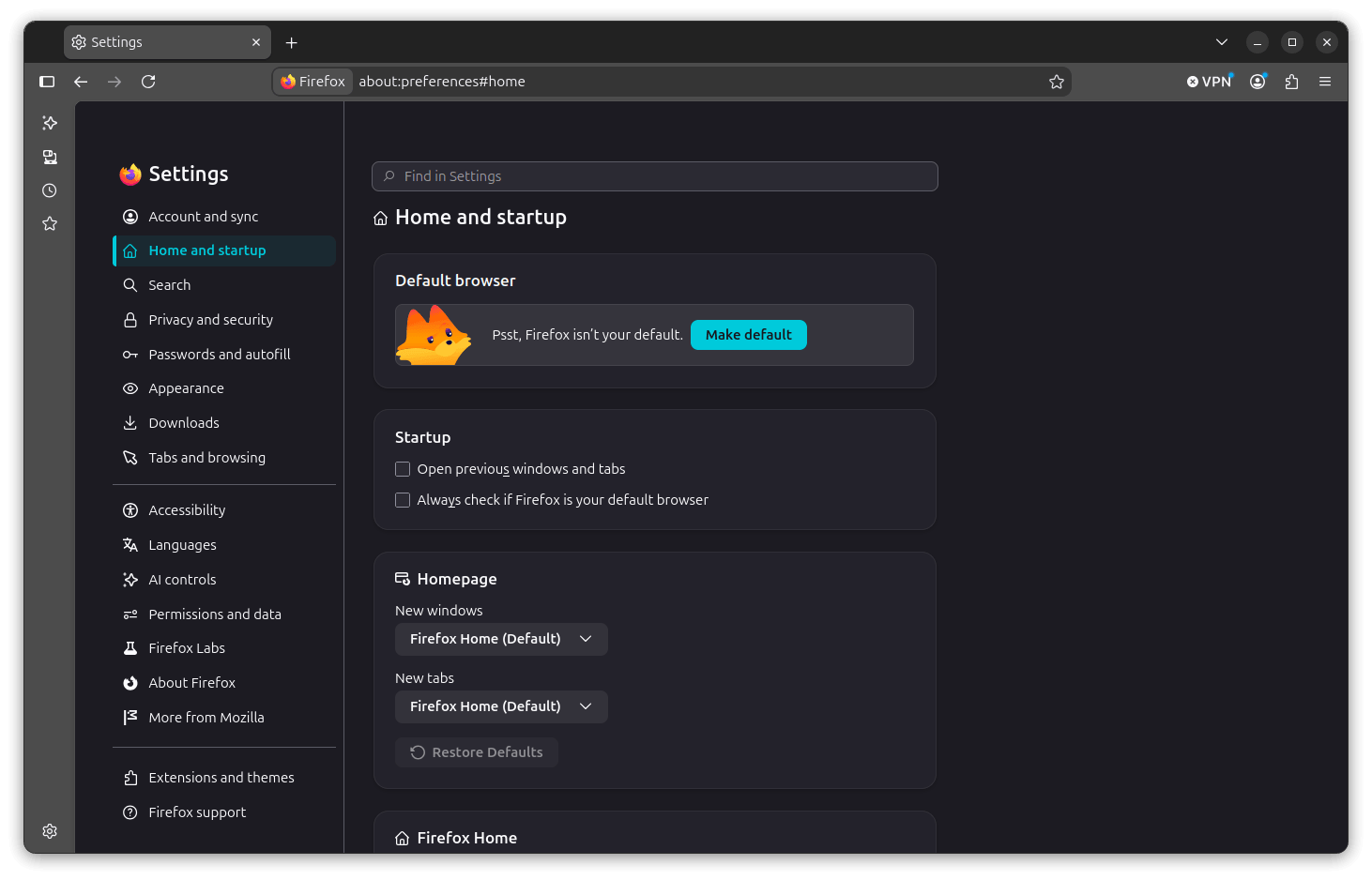
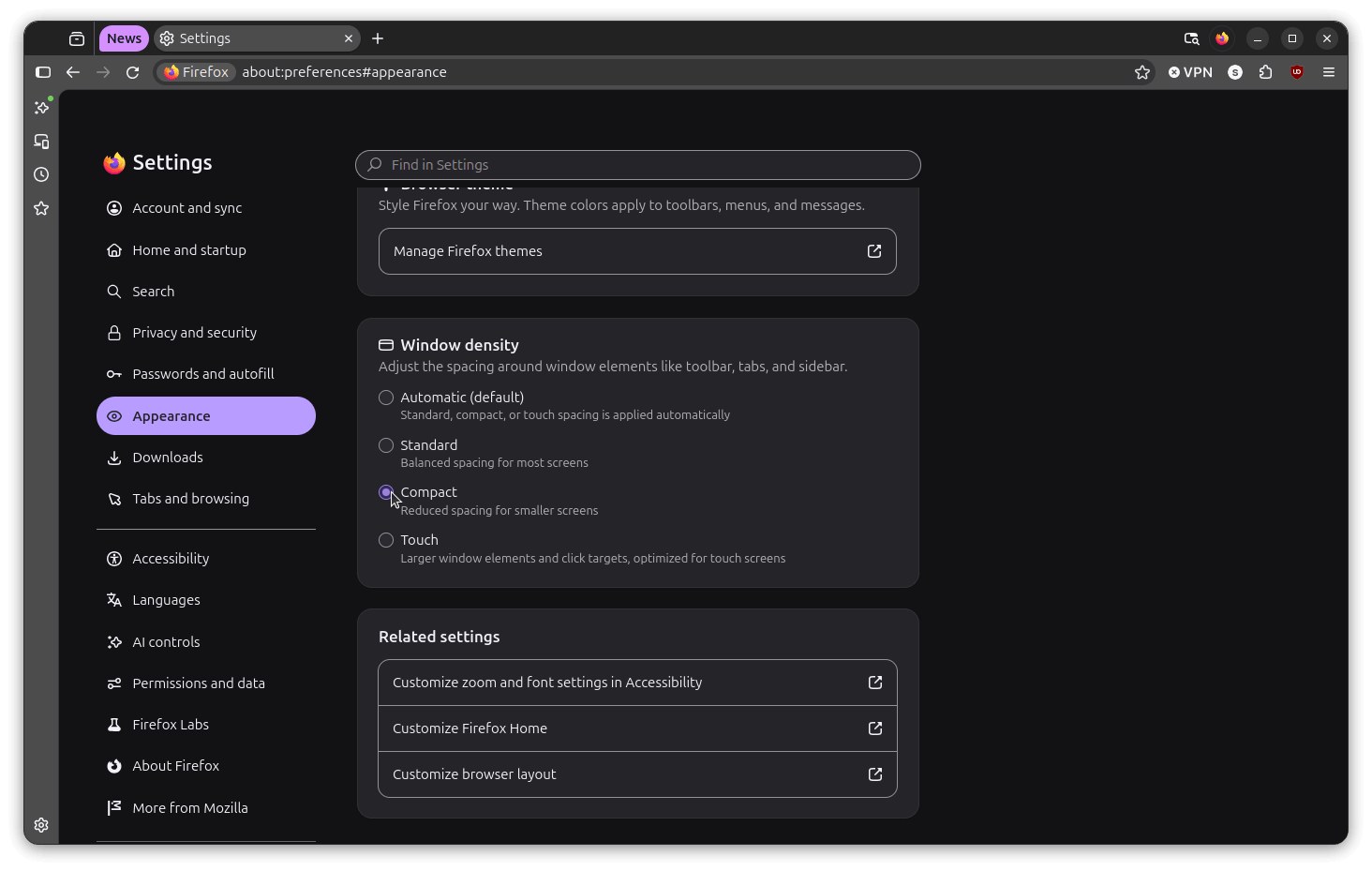
Perhaps the most celebrated change for long-term power users is the return of "Compact Mode." Stripped from the browser back in 2021, the feature has been re-introduced within the Settings > Appearance menu. Under the "Window density" selector, users can now toggle between Automatic, Standard, Touch, and Compact views. This concession acknowledges that while minimalism is the goal, "one size" rarely fits all.
4. Revamped Settings Experience
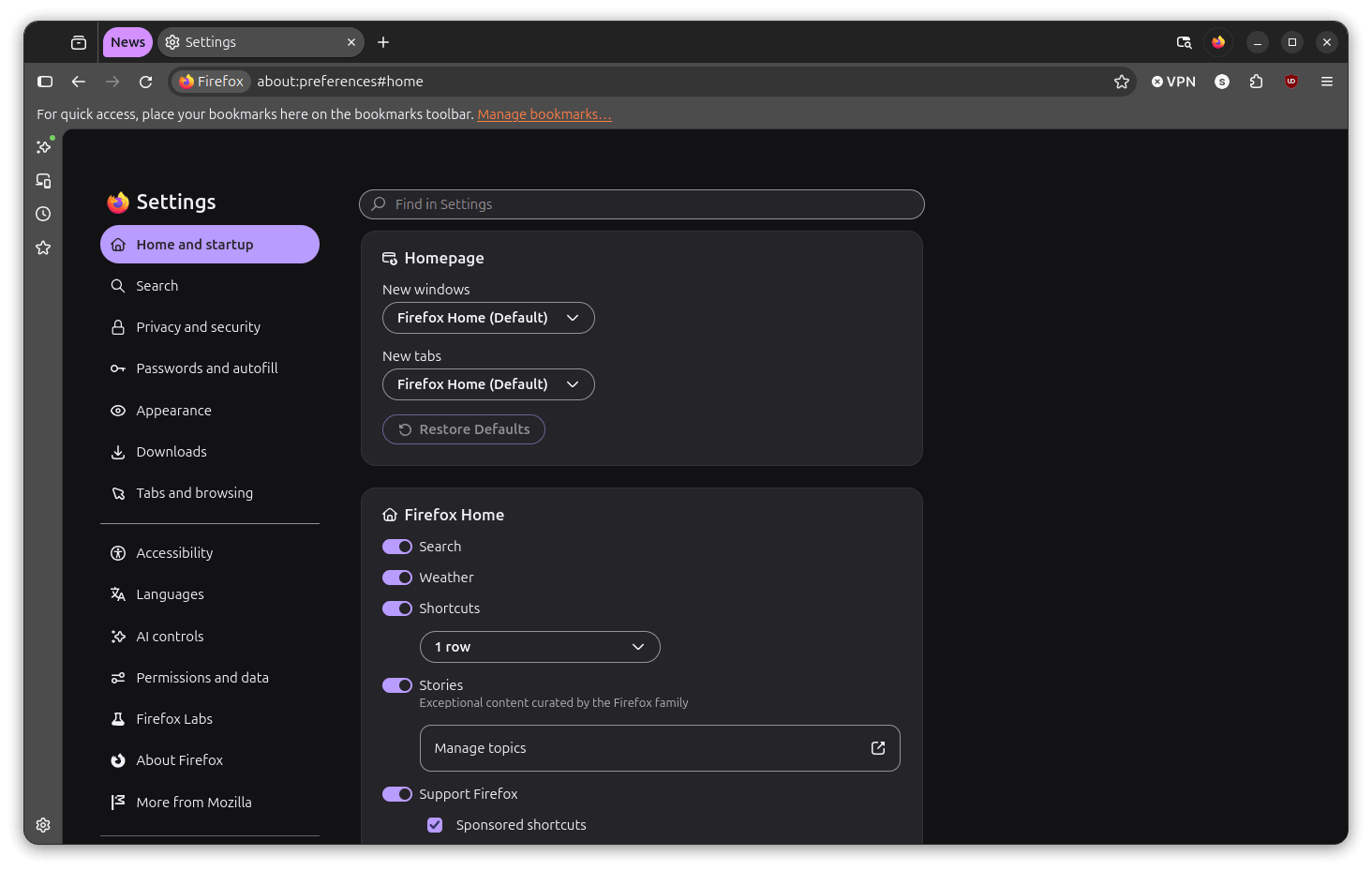
The settings menu has received a structural upgrade. Moving away from the long, flat lists of the past, the new settings interface organizes options into rounded, card-based panels. This spatial grouping makes the menu far more readable, allowing users to find specific configurations without the visual fatigue associated with dense, wall-to-wall text.

Tab Groups: From Prototype to Power Tool
When Tab Groups were first introduced in Firefox 138, the feature was met with a lukewarm reception. It functioned, but it felt like a bolted-on experimental layer rather than an integrated component.
With Nova, Tab Groups have finally come of age. The groups now reside more naturally within the tab bar, and the interaction model has been completely rewritten. Collapsing and expanding groups feels tactile and responsive, removing the "clunky" friction that hampered earlier versions. The integration with the tab manager is now seamless, allowing for a comprehensive, bird’s-eye view of all open sessions across all groups—a vital tool for those who maintain dozens of tabs simultaneously.
Official Responses and Mozilla’s Strategic Vision
Mozilla’s decision to move toward the Nova design language is part of a broader, long-term strategy to ensure Firefox remains relevant in a market increasingly dominated by Chromium-based browsers. In a technical blog post detailing the transition, Mozilla engineers emphasized that the goal was to create a "human-centric" interface.
"The goal with Nova was to reduce cognitive load," a lead designer noted during the rollout. "We wanted the browser to feel like a portal to the web, rather than a heavy tool that sits between the user and their content."
Critics initially questioned whether such a drastic change might alienate the core user base, but the data suggests that Mozilla is playing the long game. By adopting a modern design language that resonates with younger users while retaining the "about:config" flexibility that power users demand, Mozilla is attempting to capture the best of both worlds.
Implications for the Future of Firefox
The introduction of Nova is not just a coat of paint; it is a statement of intent. By refining the UI to be more "pill-shaped" and fluid, Mozilla is signaling that it is no longer content to trail behind the design trends of the proprietary giants.
Customization: The "Escape Hatch"
Crucially, Mozilla has maintained its commitment to user agency. For those who find the Nova aesthetic too radical or simply prefer the classic look, the option to revert remains readily available. By navigating to about:config and toggling browser.nova.enabled to false, users can return to the previous UI state. This "escape hatch" is a hallmark of the Mozilla philosophy, ensuring that the community feels empowered rather than coerced by design changes.
Installation and Availability
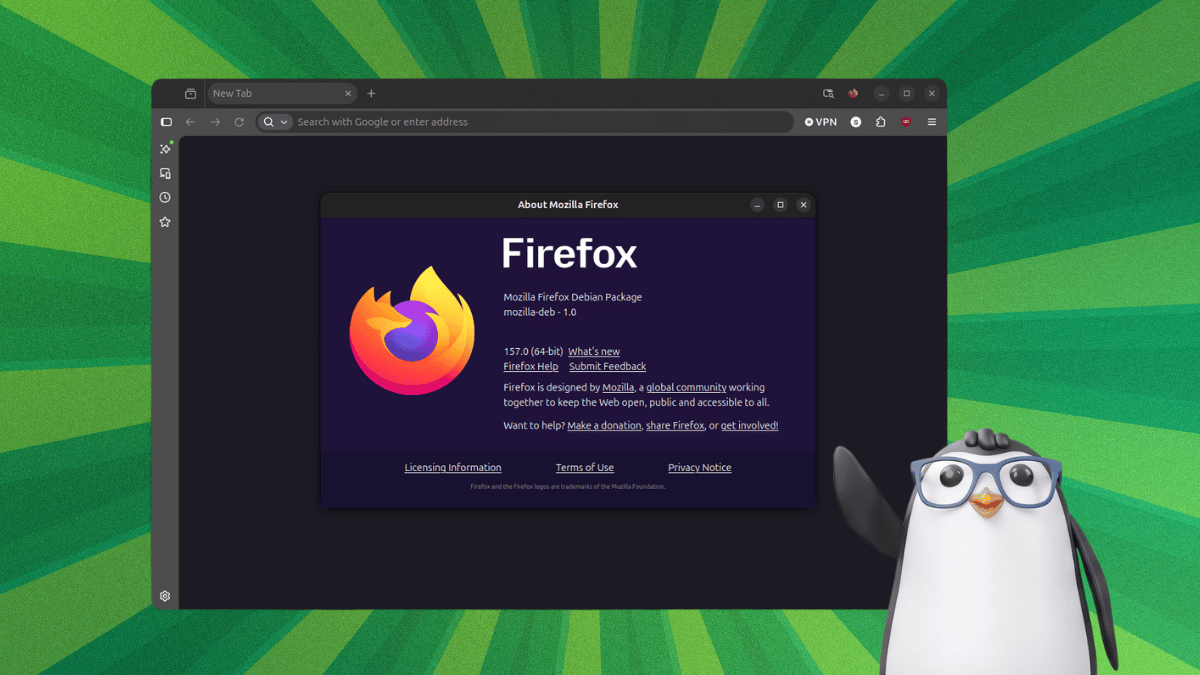
As of late 2026, Firefox 157 is rolling out across all major Linux distributions. For users on Debian-based systems—including Ubuntu and its derivatives—the update is being distributed through the standard repository channels. Those eager to experience the update immediately can retrieve the .deb packages directly from the Mozilla FTP mirrors.
Conclusion: A Balanced Leap Forward
Firefox 157 represents a successful, albeit cautious, step into the future of browser design. While the initial leaks of the "floating island" concept promised a revolution that didn’t fully materialize, the final result is arguably better: a refined, polished, and highly functional browser that feels at home in a 2026 desktop environment.
By focusing on visual hierarchy, reintroducing highly requested features like Compact Mode, and refining the Tab Groups experience, Mozilla has proven that it can evolve without losing its identity. As we look toward the future of web navigation, Firefox stands as a testament to the fact that open-source software can not only keep pace with the industry’s design leaders—it can set the pace.
Whether you are a long-time advocate of the "Firefox way" or a user considering a switch from a more rigid, closed-source browser, Nova provides a compelling reason to give Firefox another look. It is, quite simply, the best version of Firefox to date.