
The Ghost in the Machine: Why Your Modal’s "Console Warning" Is More Than Just Noise
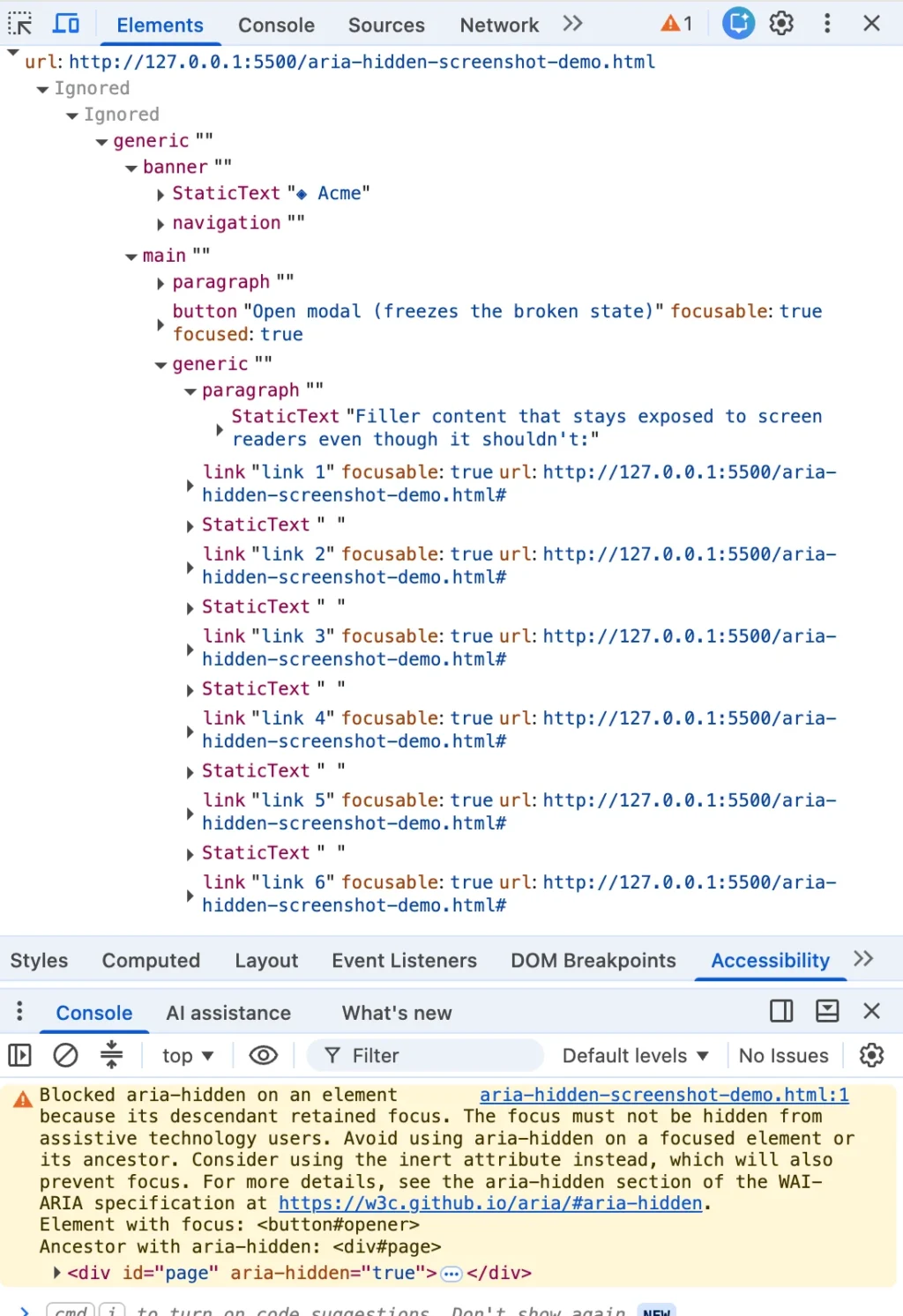
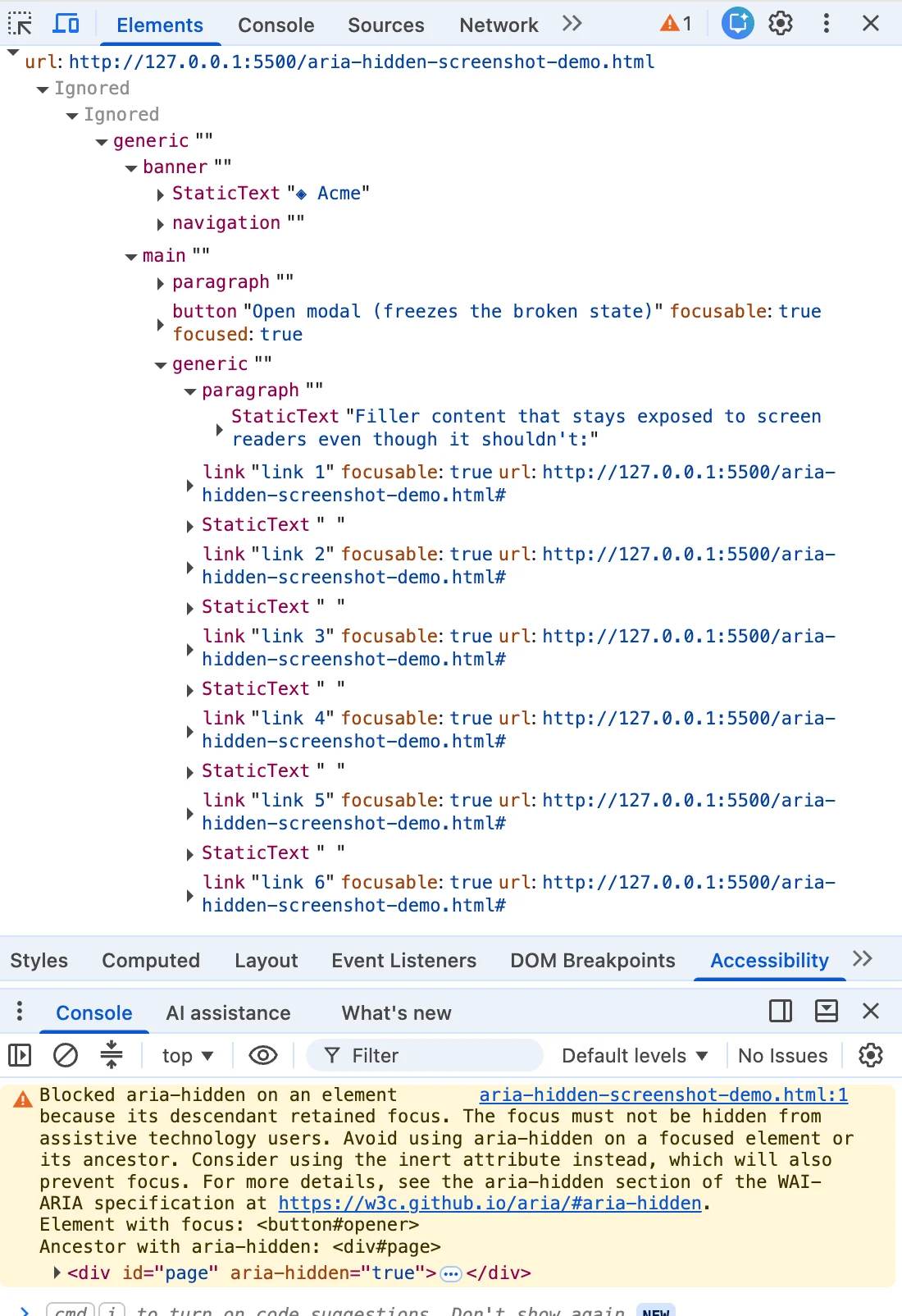
If you are a front-end developer, you have likely encountered it: you close a dialog, and your browser console flashes a specific, angry shade of mustard-yellow. You highlight the error, paste it into a search bar, and find yourself among a sea of frustrated peers. Whether you are working in Angular, Bootstrap, Ionic, or managing a database in phpMyAdmin, this exact string appears.
The internet’s consensus—found in the top-ranked Stack Overflow threads and GitHub discussions—is usually a quick, one-line "fix." You are told to use blur(), wrap your close function in a setTimeout, or strip the aria-hidden attribute. These fixes work, in the sense that they silence the warning. But in doing so, they often commit a silent, structural act of violence against the accessibility of your application.
The reality, which many high-ranking search results bury, is that the warning is correct. There is a real person on the other side of your code—a screen-reader user whose focus is about to be dropped into a "black hole" in your UI. The browser isn’t nagging you about style-guide minutiae; it is telling on your architecture.
The Chronology of a Silent Crisis
The rise of this console warning is not a recent glitch; it is the culmination of years of Chromium’s evolving accessibility tree management.
For the better part of a decade, the standard practice for closing modals involved a simple, intuitive sequence: hide the modal, then restore focus to the trigger button. Because browsers were historically "polite," they often patched over this poor ordering behind the scenes. If you hid a container while focus was still inside it, the browser simply ignored the instruction to hide the subtree, ensuring the user wasn’t stranded.
However, starting around Chrome 127 in mid-2024, the browser became "loud." The first wave of warnings appeared, scolding developers about elements that "just received focus" while inside a hidden region. By late 2024, with the release of Chrome 131, a second wave of "retained focus" warnings arrived.
This was not a sudden change in browser policy, but rather a decision to stop papering over broken architectural patterns. Chromium engineers had been quietly debating the exposure of focusable aria-hidden nodes as early as 2020. They concluded that if a screen-reader user tabs into a region that the developer has told the browser to hide, the "silence" that follows is far more damaging than a console warning. The browser chose to surface the error so that developers would finally address the root cause: the order of operations in their teardown logic.
Supporting Data: Why Your "Fix" Failed
To understand why your current solution might be harming users, one must understand the paradox of aria-hidden. This attribute is designed to remove content from the accessibility tree, but it does not remove it from the browser’s internal focus order.
When you hide a modal with aria-hidden="true" while your close button still holds focus, you create a "ghost focus" state. The screen reader sees a focused node inside a region it has been told does not exist. It tries to announce the button, finds it is in a "hidden" subtree, and essentially crashes or goes silent. The user presses Tab, the screen reader acknowledges nothing, and the user is left wondering if their software has crashed or if they have somehow navigated off the page.

The Four "Traps" of Modern Development
Research into current GitHub issues for major libraries—including MUI, Ant Design, and Flowbite—reveals four distinct scenarios where this occurs:
- The Close-Time Race: The modal starts a CSS fade-out animation. During the 200ms transition, the element is marked hidden, but focus remains on the close button.
- The Open-Time Inversion: The library marks the background
aria-hidden="true"before the focus has actually moved into the modal, trapping the trigger button in an inaccessible state. - The Turf War (Composition Conflicts): A
selectorpopoverinside adialogcreates a conflict where both components try to hide the background, fighting over the focus state. - The User Walkout: The user switches browser tabs, causing the focus management logic to attempt to reconcile state against a non-existent or "stale" focus point.
Official Perspectives and the "Inert" Solution
The accessibility community, led by experts like Scott O’Hara, has long championed the inert attribute as the superior alternative to aria-hidden. Unlike aria-hidden, which is a "soft" removal from the accessibility tree, inert is a "hard" stop. When an element is marked inert, the browser removes it from the accessibility tree, makes it non-focusable, and prevents pointer events.
The W3C and the HTML specification now advocate for this standard. However, the migration to inert is hindered by a fundamental misunderstanding of the "teardown contract." The correct order of operations is not just about changing an attribute name; it is about the synchronicity of the DOM.
The Golden Rule: Focus must leave a region before that region becomes hidden or inert.
If you attempt to focus a trigger button that resides inside a container that is still inert, the .focus() call will silently fail, leaving the user stranded on the <body> element. This is why "one-line fixes" like blur() are dangerous—they resolve the warning by abandoning the user, forcing them to re-tab through the entire page header and navigation just to return to their original context.
Implications for Future Development
The long-term implication of this crisis is a move toward native browser primitives. The <dialog> element, when opened with .showModal(), puts the modal into the "Top Layer" of the browser. This native implementation handles focus management, inertness of the background, and accessibility trees automatically. It is the only truly "future-proof" solution.
However, for developers locked into React 19, complex component libraries, or legacy codebases, the immediate path forward is an imperative teardown contract:
- Capture: Store the return target (
document.activeElement) the moment the modal opens. - Un-Inert: Before closing, ensure the background is no longer
inertso the trigger can receive focus. - Focus: Execute the focus restoration synchronously.
- Inert the Shell: Only after focus has successfully landed on the trigger, mark the closing modal shell as
inertand trigger your CSS animations.
Conclusion: A Shift in Philosophy
The most significant lesson here is that a "clean" console is not the objective of software engineering. We have spent years optimizing for green checkmarks in CI/CD pipelines while inadvertently creating barriers for assistive technology users.
The console warning is not a nuisance; it is a diagnostic tool for user experience. When you see that yellow text, do not reach for a hack to silence it. Recognize it for what it is: the browser performing a service for your users that your code is currently failing to do. By prioritizing the user’s focus flow over the silence of your logs, you move from "fixing errors" to building genuinely inclusive digital products.








