
The Power of Silence: Understanding the New ariaNotify() Web API
For years, web developers have navigated a precarious tightrope when attempting to provide feedback to users of assistive technology. The struggle to make dynamic web applications accessible has often felt like an exercise in frustration, relying on "live regions" that frequently behave inconsistently across different browsers and screen readers. Today, that landscape changes with the introduction of the ariaNotify() method, a new feature defined in the WAI-ARIA 1.3 specification. While this tool promises to solve some of the most persistent pain points in modern accessibility, it also introduces a significant responsibility: the power to interrupt, inform, and—if misused—annoy our most vulnerable users.
The Evolution of Web Notifications
To understand why ariaNotify() is a watershed moment for the web, one must first look at the history of how we have historically handled dynamic content. In the early days of the "Web 2.0" revolution, as pages began to update asynchronously without a full refresh, developers realized that screen reader users were being left behind. If a user clicked a button and a success message appeared, the screen reader remained silent unless the user manually moved their focus to that new element.
This necessity birthed the "live region." By adding an aria-live attribute to an element, developers could instruct assistive technology to watch that container for changes and announce them aloud. The system allowed for polite notifications (which wait for a gap in the user’s workflow) and assertive notifications (which demand immediate attention).
However, the reality of live regions has been a technical Rube Goldberg machine. Because browsers and screen readers often interpret these regions differently, developers have spent decades fighting with aria-atomic, aria-relevant, and the limitations of DOM injection. A live region that works perfectly in NVDA might be completely ignored in VoiceOver, or worse, trigger repetitive, garbled announcements that ruin the user experience.
Introducing ariaNotify(): A Clean Slate
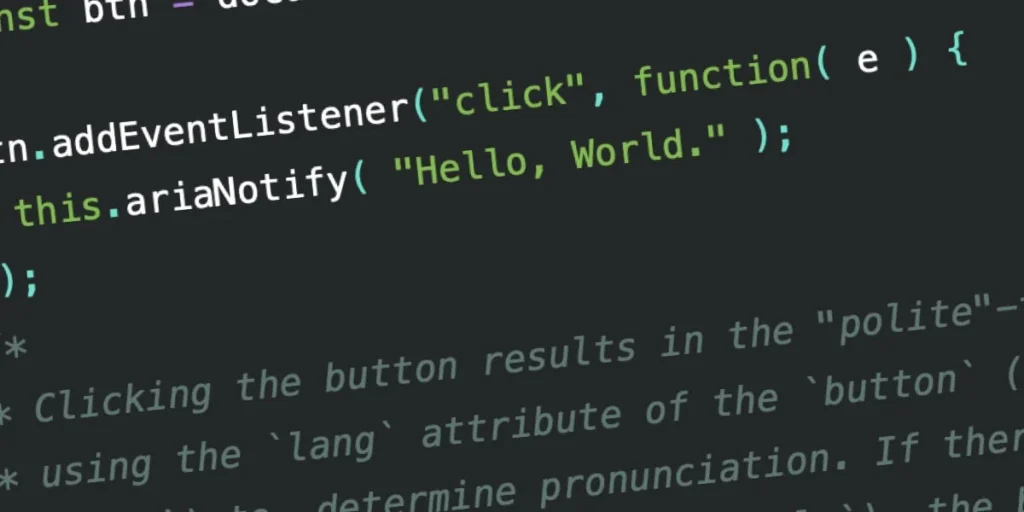
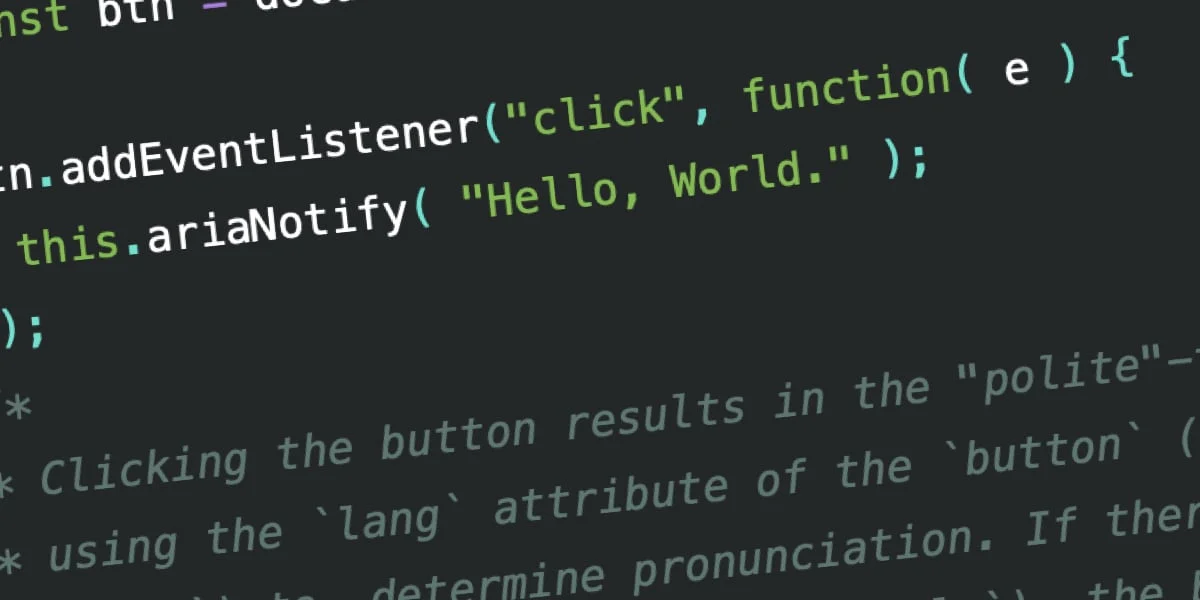
The WAI-ARIA 1.3 specification introduces ariaNotify() as a direct, programmatic solution to the notification problem. At its core, the API is deceptively simple. It allows a developer to trigger a screen reader announcement using a single method call:
document.ariaNotify("Your request has been processed successfully.");Unlike the traditional live region, which requires maintaining a hidden DOM element that the screen reader must "observe," ariaNotify() functions as a dedicated messaging bus. It bypasses the need to inject hidden markup into the page, reducing the bloat in the accessibility tree and eliminating the timing issues that have historically plagued developers.
The method is available on both the Document and Element interfaces. When called from the Document, it defaults to the language settings of the <html> element. When called from a specific Element, it inherits the lang context of the nearest ancestor, ensuring that the pronunciation and localization of the announcement remain consistent with the user’s current environment.
Supporting Data: The Consistency Gap
Early testing of ariaNotify() shows promise, though implementation is still in its infancy. In recent benchmarks, the method has been tested across major screen readers—JAWS, NVDA, and VoiceOver—to determine how it handles various priority levels.
The results suggest a high degree of fidelity compared to the "hit-or-miss" nature of aria-live. For instance, when setting a priority: "high" configuration, the system effectively mimics the behavior of aria-live="assertive", interrupting current narration to deliver critical information. Conversely, priority: "normal" functions like aria-live="polite", respecting the user’s current task flow.
Despite this progress, the adoption of lang attributes remains a work in progress across various browser-engine implementations. While the API standard is clear, the "human" element—how a screen reader interprets and speaks those strings—remains the final frontier. In initial tests, Spanish-language strings using lang="es" were correctly identified by screen readers, though the actual phonetic rendering varied significantly depending on the specific assistive technology used.
The Ethical Implications of "Developer Catnip"
The simplicity of ariaNotify() is both its greatest strength and its most dangerous attribute. It is "developer catnip"—a tool that feels so good to use that it risks being overused.
In the accessibility community, there is a well-known hierarchy of learning. The first stage is realizing that ARIA exists. The second is realizing that ARIA is often used incorrectly to solve problems that native HTML could handle better. The final, and most mature stage, is the realization that the best accessibility is often the accessibility you don’t have to force.
The temptation with ariaNotify() is to treat it like the infamous window.alert() of the early 2000s. Just because we can interrupt a user to tell them that their action was successful doesn’t mean we should.
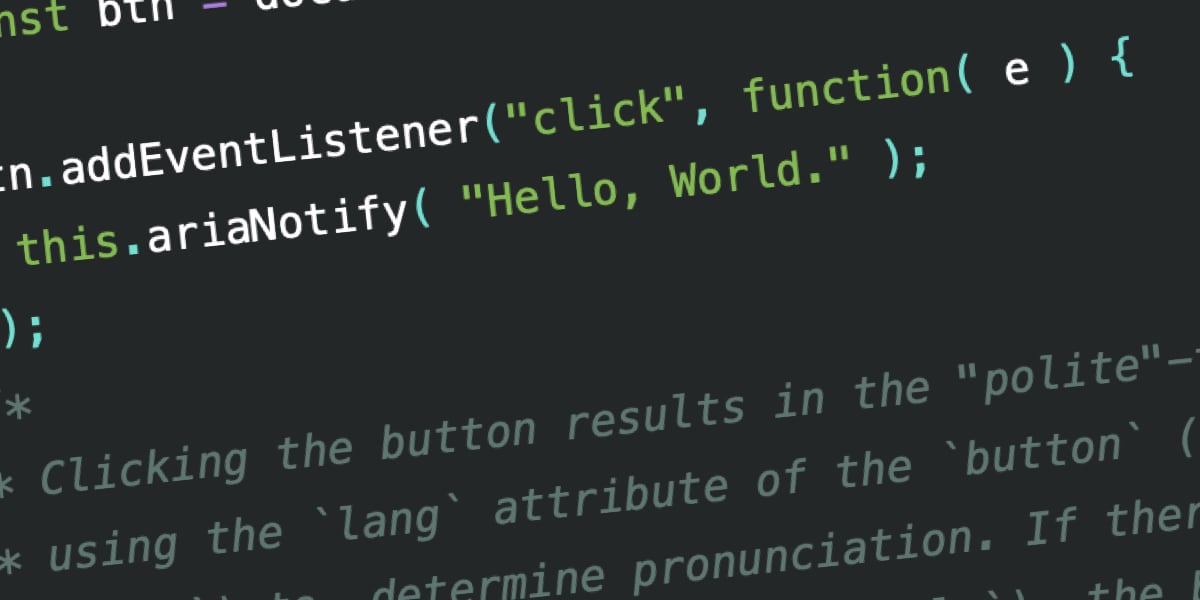
Consider the "button" example: If a button already has an aria-expanded state that toggles visibility of content, a screen reader user will already receive an announcement that the state has changed. Adding an ariaNotify() call on top of that is not helpful; it is redundant, intrusive, and creates a "noisy" interface that forces the user to listen to information they already possess.
Official Guidance and Best Practices
The W3C has long held the "First Rule of ARIA": If you can use a native HTML element or attribute with the semantics and behavior you require already built in, do so.
The implication for ariaNotify() is clear: use it only as a last resort. It is intended for critical updates that cannot be conveyed through standard focus management or native HTML state changes. Examples include:
- Time-sensitive status updates: A countdown timer for an expiring session.
- System-level errors: An unexpected failure in a background process that prevents the user from completing a task.
- Non-interactive status changes: Notifications that occur outside the user’s immediate focus area that are vital to their understanding of the application state.
The Risk of "Invisible Inconsistency"
One of the most dangerous aspects of this new API is the creation of "invisible" accessibility concerns. Because ariaNotify() happens in the background, it is easy to forget about it during standard QA testing.
If a developer writes a script that triggers an announcement every time a user hovers over a menu item, they might not notice the issue while browsing visually. However, for a screen reader user, the experience would be catastrophic—a constant, droning stream of audio that makes the site unusable. Because these announcements aren’t tied to the visual structure of the DOM, they cannot be debugged by simply inspecting the elements on the page. They are ephemeral, floating bits of text that, if left unmanaged, turn a helpful feature into a barrier.
Conclusion: The Responsibility of the Code
The release of ariaNotify() represents a massive leap forward in the capabilities of the modern web. It provides a standard, reliable way to communicate with users who rely on assistive technology, finally moving past the fragile, hacky solutions of the last decade.
However, we must approach this tool with the same caution we apply to any powerful API. The ability to speak directly to the user’s screen reader is a privilege, not a feature. We must resist the urge to fill the silence with unnecessary "information." We must test our implementations with actual screen reader users, not just our own assumptions.
We have been given a powerful new voice in the browser. Whether that voice is a helpful assistant or an obnoxious, unskippable tutorial depends entirely on our restraint. Let us be "cool" about this. Let us use it only when it is truly necessary. The future of the accessible web depends not on the technology we build, but on the wisdom with which we use it.








