The Evolution of Android: Inside the Launch of "Googlebook" and the New Desktop Paradigm
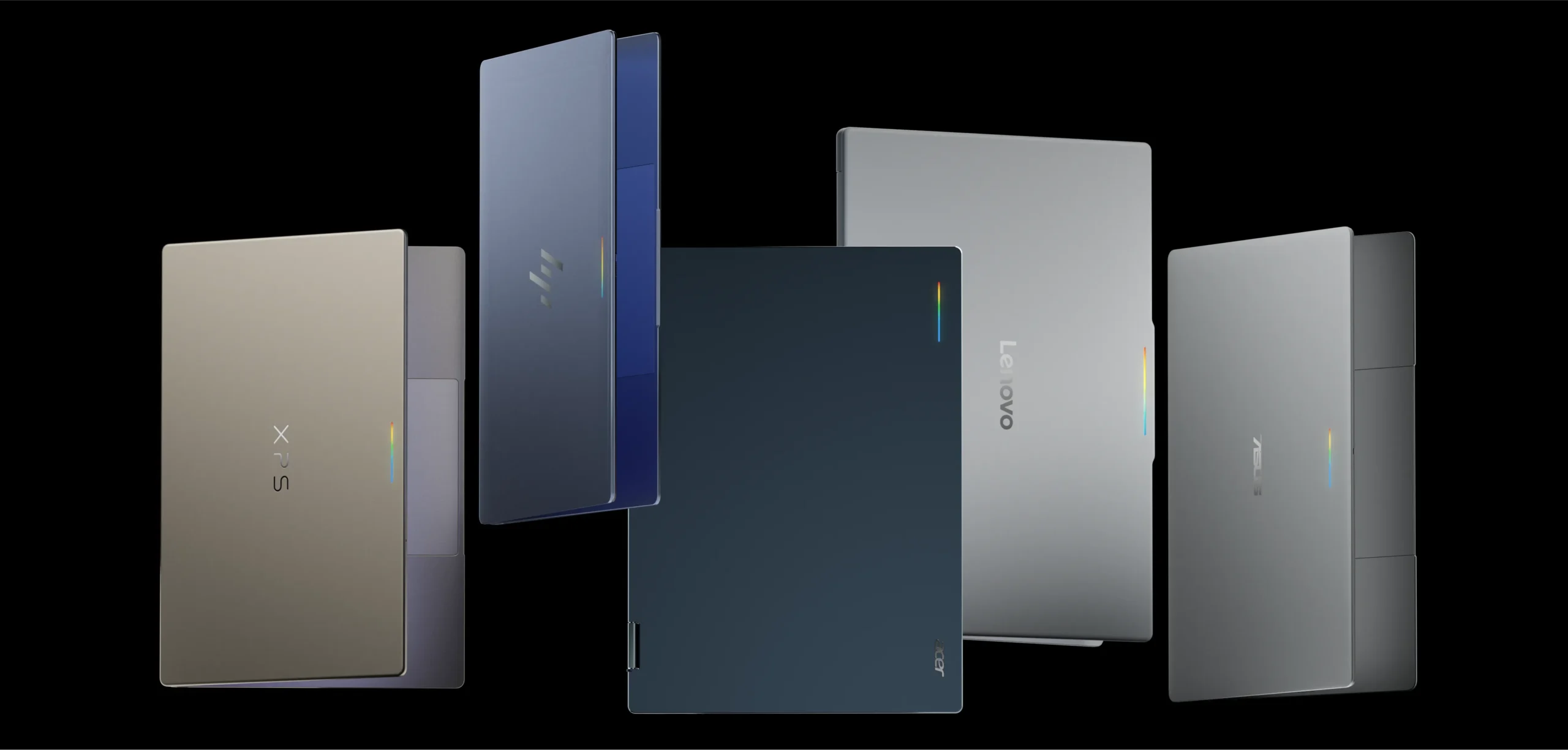
The landscape of personal computing is undergoing a tectonic shift. For over a decade, the mobile and desktop worlds have existed as distinct ecosystems, separated by divergent operating systems, input paradigms, and user expectations. Today, Google is dismantling those silos with the introduction of "Googlebook"—a new category of high-performance laptops built on a shared Android foundation. By marrying the mobility of Android with the raw power of a desktop architecture, Google is attempting to create a unified computing experience that allows users to transition seamlessly from a handheld device to a full-scale workstation.
The Convergence of Mobile and Desktop
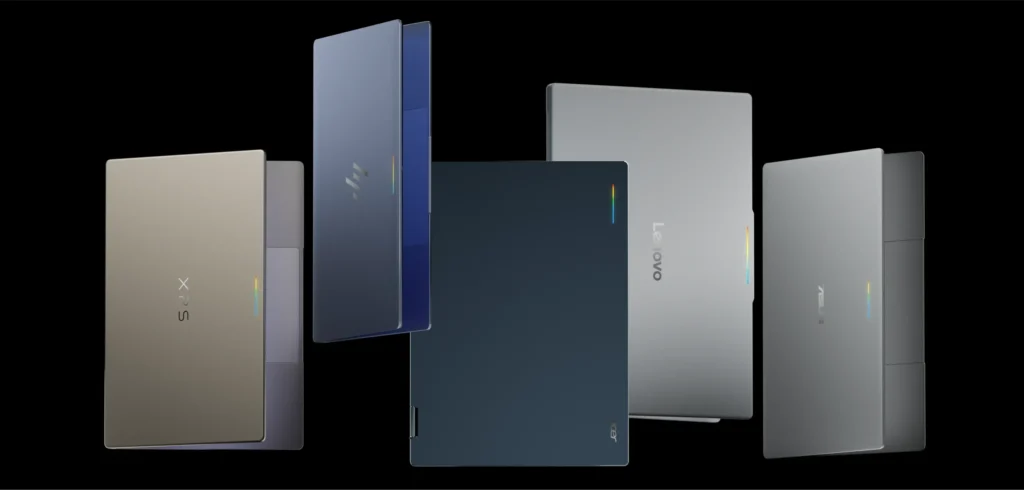
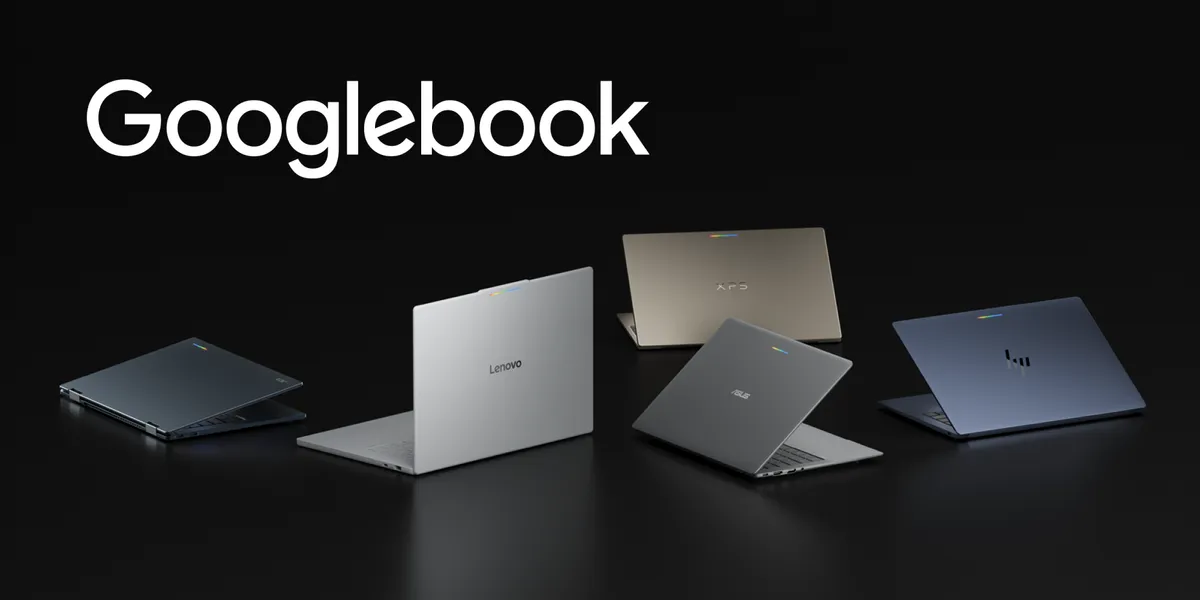
The Googlebook initiative is not merely a hardware release; it is an architectural milestone. The platform leverages high-performance hardware from major industry partners—including HP, Dell, Lenovo, Acer, and Asus—to deliver a premium computing experience. These devices feature high-resolution OLED touchscreens, full-sized physical keyboards, and precision trackpads, all while maintaining the "all-day" battery life that Android users have come to expect.
At the heart of the platform is "Gemini Intelligence," an OS-level integration designed to streamline complex tasks. Unlike previous attempts to bridge the mobile-desktop gap, Googlebook is built on a shared Android foundation, meaning that the underlying software stack is consistent across both phones and laptops. This creates a fluidity previously unseen in the consumer electronics space: a user can start a task on their smartphone and, through advanced handoff protocols, pick up exactly where they left off on a Googlebook.
Chronology: From Mobile-First to Adaptive Everything
The journey toward Googlebook did not happen overnight. It is the culmination of years of strategic investments by Google in the Android ecosystem.
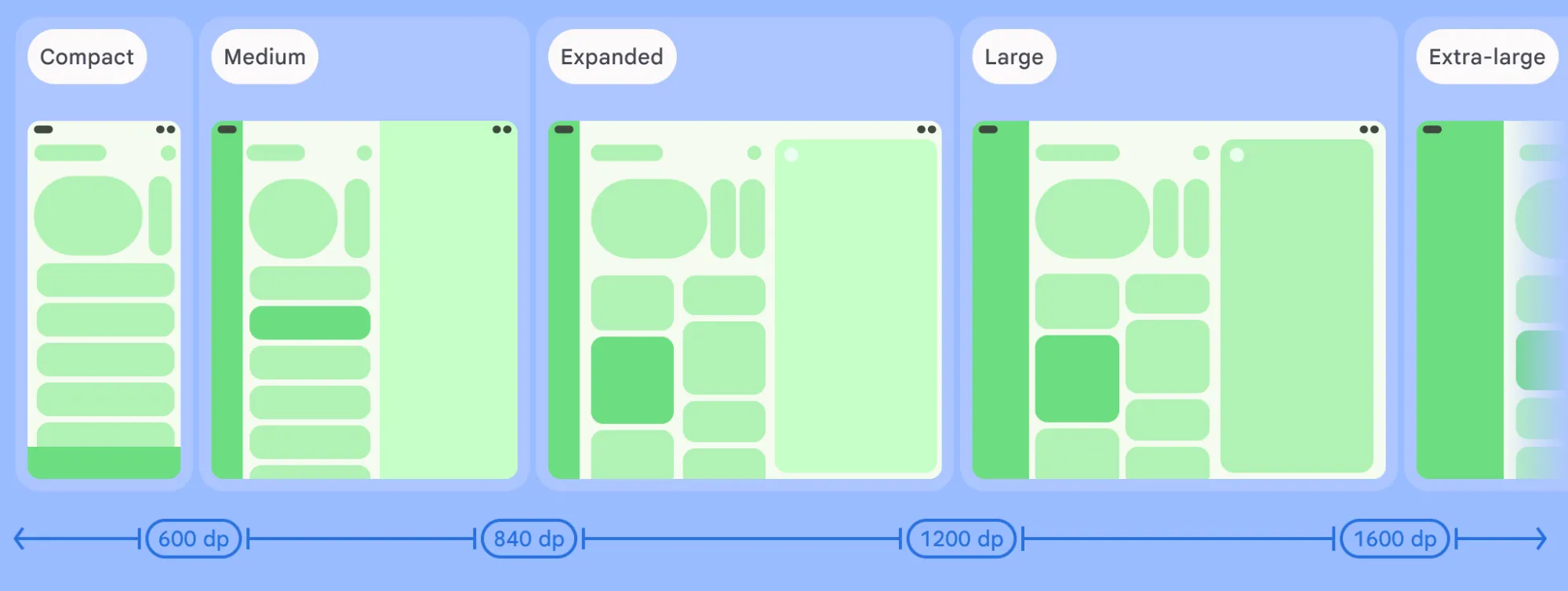
- The Tablet/Foldable Pivot: Years prior to the Googlebook launch, Google began emphasizing "Large Screen" support. The introduction of window size classes allowed developers to move away from rigid, screen-specific layouts.
- The Jetpack Compose Era: The adoption of Jetpack Compose—a modern, declarative UI toolkit—simplified the process of building responsive interfaces. This allowed apps to naturally scale across various postures, from small phones to large tablets.
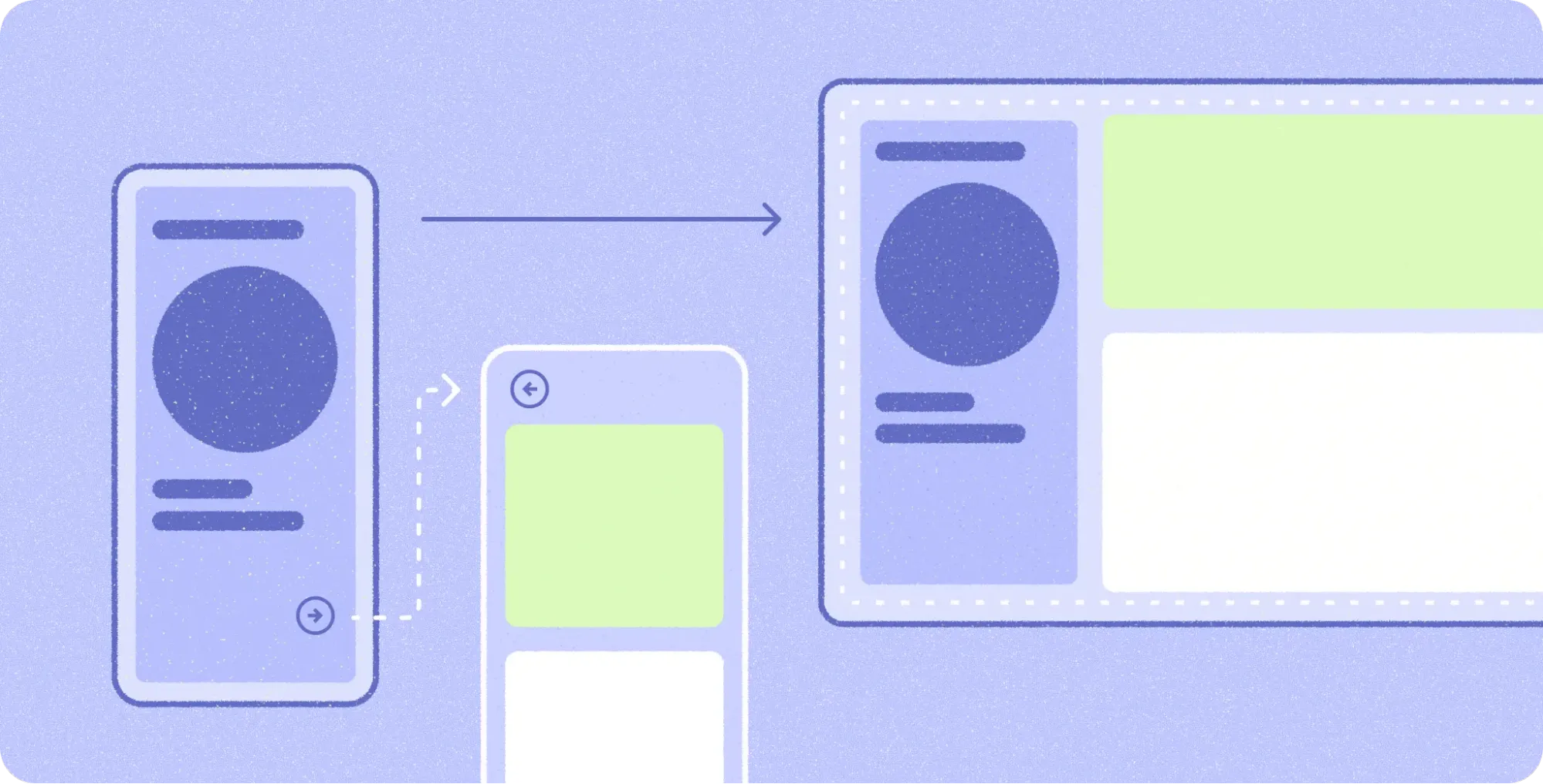
- Navigation 3 and Beyond: The refinement of Navigation 3 provided the architectural backbone for multi-pane layouts, enabling apps to transition from single-column mobile views to complex, multi-pane desktop interfaces.
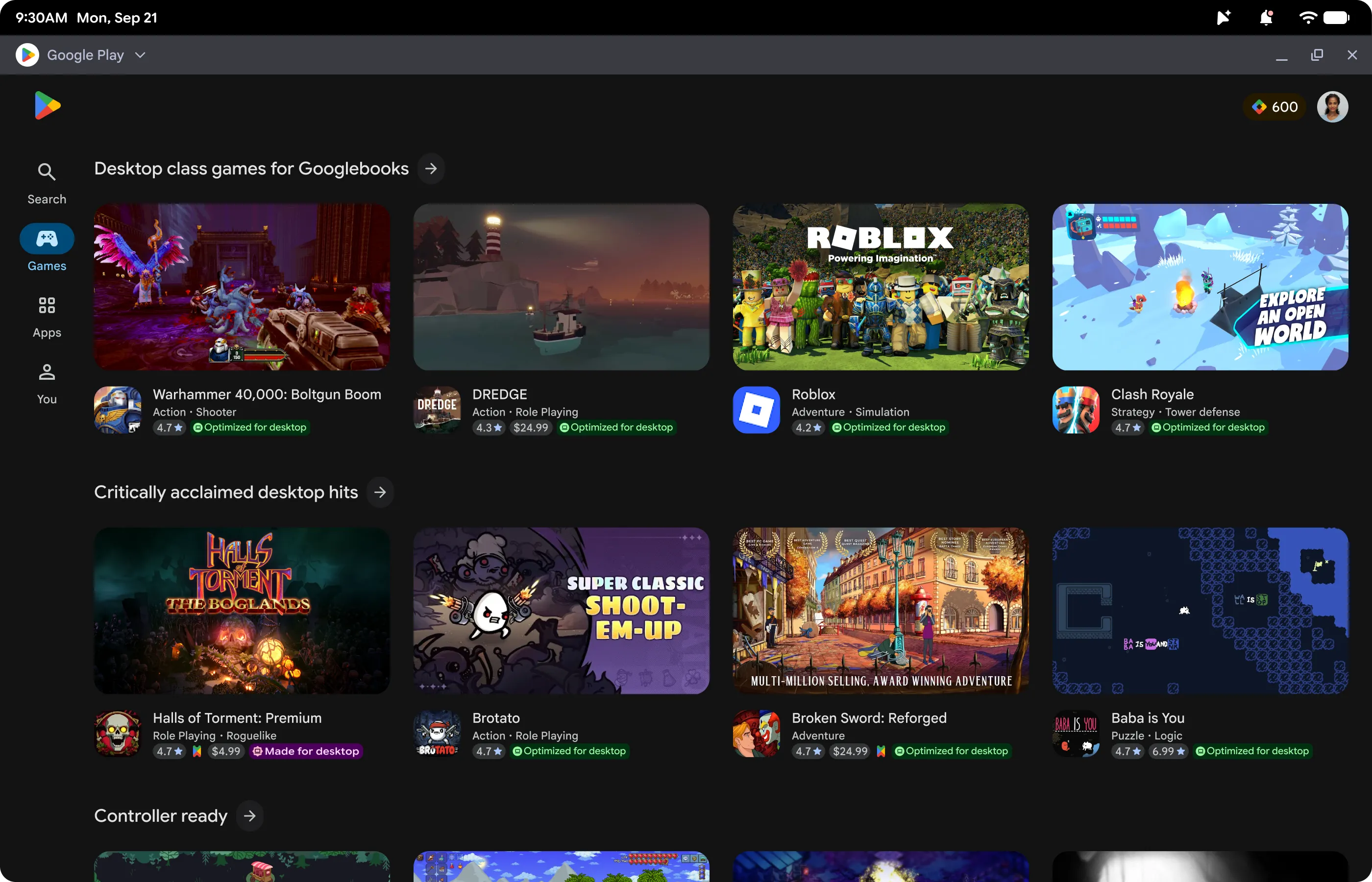
- The Launch of Googlebook: Today marks the official opening of the Googlebook ecosystem. With partners readying hardware and the Play Store introducing specific "Desktop Optimized" badging, the platform is now open for third-party developers to capitalize on this expanded footprint.
Supporting Data: Why Adaptive Development Wins
For the developer community, Googlebook presents a unique opportunity, but it also necessitates a change in methodology. The core philosophy driving this shift is "Adaptive Development."
Data from early adopters, such as the development team behind the note-taking application Notability, highlights the efficiency of this approach. According to Ryan Shea, Android Engineering Manager at Notability, the company’s previous investments in tablet and foldable optimization provided an immediate competitive advantage. Because their application was already utilizing window size classes and adaptive scene strategies, scaling to a laptop-class experience was largely a matter of configuration rather than a complete rewrite.
The technical requirements for this transition are documented extensively, but the core pillars include:
- Multi-Pane Architecture: Moving beyond simple screen-stretching to organize content into functional groups that expand as window space increases.
- Pointer-Based Input: Implementing hover states, right-click context menus, and custom cursors to provide the tactile feedback users expect from a desktop environment.
- Multi-Instance Support: Allowing users to launch multiple instances of the same application to compare data or multitask—a staple of desktop productivity.
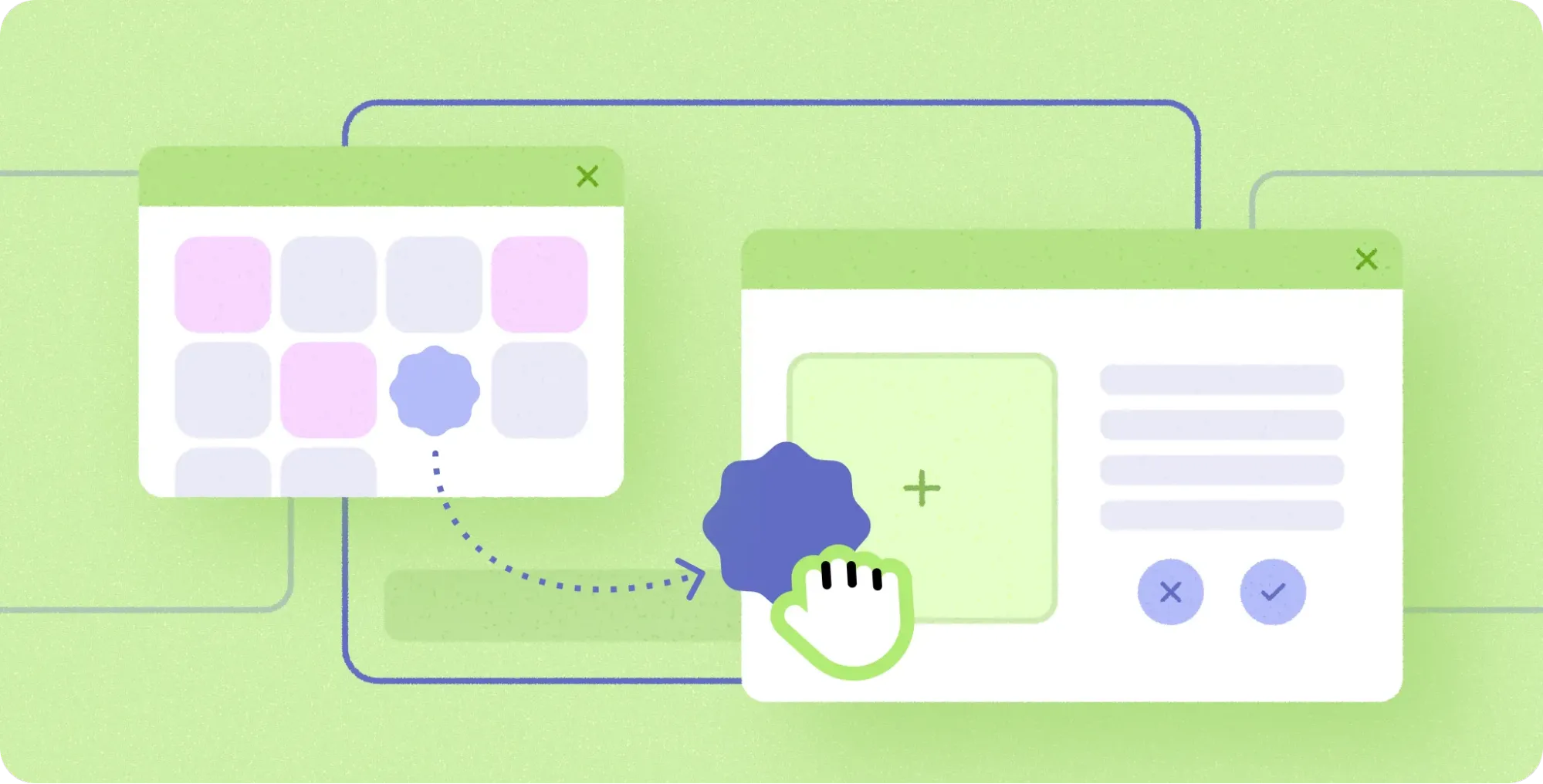
- Drag-and-Drop Integration: Enabling the fluid movement of files, text, and images between windows, simulating the desktop "work-surface" experience.
Official Responses and Strategic Implications
Google’s messaging to the developer community is clear: "You don’t need to build a separate app from the ground up." By utilizing modern Android APIs, developers can gain access to the Googlebook ecosystem while maintaining a single codebase.
The Apps Experience Program
To incentivize high-quality development, Google has introduced the Apps Experience Program. Developers who achieve the "Desktop Optimized" badge—verified through rigorous quality guidelines—are granted access to exclusive store features, enhanced search visibility, and a new program rate card designed to drive business growth.
The "Continue On" Philosophy
A critical component of the Googlebook value proposition is the "Continue On" feature. This protocol allows for bidirectional handoff of state between devices. When a user transitions from a phone to a laptop, the application preserves the exact context, such as the specific document position or active tabs. This reduces the friction of context-switching, effectively turning the user’s Android device and Googlebook into a single, cohesive computing unit.
Implications for the Future of Productivity
The implications of the Googlebook platform are far-reaching for both enterprise and consumer sectors.
For the Enterprise
By standardizing on Android, IT departments may find a simplified management path. With a unified OS foundation, security policies, app distribution, and device management can be handled through a single, cohesive set of tools. This eliminates the need for managing disparate Windows or ChromeOS environments, potentially lowering the Total Cost of Ownership (TCO) for hardware rollouts.
For the Consumer
The consumer benefit lies in the democratization of high-performance computing. By removing the "walled garden" that often exists between mobile apps and desktop software, Google is creating a world where the user’s software follows them. The ability to use full-featured desktop versions of mobile apps—supported by mouse and keyboard input—means that tablets and laptops are no longer just "consumption" devices; they are becoming legitimate "creation" tools.
The Role of AI-Assisted Development
One of the most intriguing aspects of this rollout is the reliance on AI to assist the transition. Google has released an "adaptive skill" for developers, allowing AI agents to analyze existing mobile layouts and suggest refactoring patterns into responsive Compose containers. This automation is intended to lower the barrier to entry, ensuring that even smaller development teams can reach "Desktop Optimized" status without significant overhead.
Testing and Quality Assurance
Google has made it clear that the bar for quality on Googlebook will be high. To facilitate this, they have expanded the Android Studio ecosystem. The new desktop emulator allows developers to run virtual desktop environments directly on their workstations. This includes the ability to:
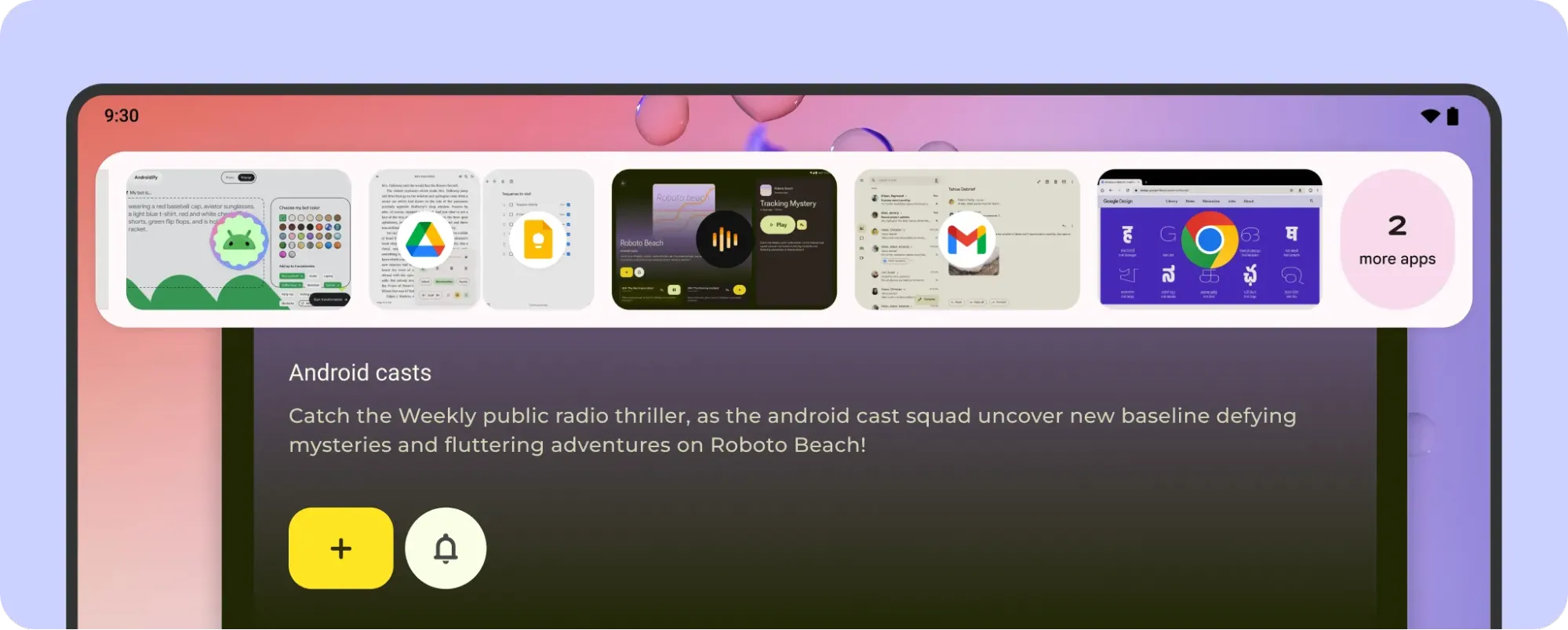
- Simulate free-form window resizing.
- Test multi-instance workflows.
- Debug mouse and trackpad interactions.
Furthermore, the "Desktop App Quality Guidelines" provide a roadmap for success. These benchmarks cover everything from type scale and ergonomic viewing distances to specific click-target sizes, ensuring that apps not only function but feel like desktop-native applications.
Conclusion: A New Chapter for Android
The launch of Googlebook signals that the Android ecosystem has matured into a multi-form-factor powerhouse. By focusing on adaptive layouts, desktop-grade input, and seamless cross-device connectivity, Google is betting that users no longer want to manage two different sets of apps for their mobile and desktop lives.
For the developer, the message is one of opportunity. Those who lean into adaptive design—using Grid, FlexBox, and modern navigation patterns—will find themselves well-positioned for this new era of computing. As the Googlebook family grows, the apps that succeed will be the ones that respect the unique nature of the desktop environment while maintaining the mobile-first agility that made Android the world’s most popular operating system.
Whether it is through the integration of Gemini Intelligence, the seamlessness of "Continue On," or the sheer convenience of a unified app store, Googlebook is poised to redefine what we mean by "personal computing." The tools are available, the ecosystem is expanding, and the transition to the desktop is officially underway. Developers are encouraged to explore the Googlebook developer hub and begin the process of modernizing their applications today, ensuring they are ready to meet the users of tomorrow on their terms.